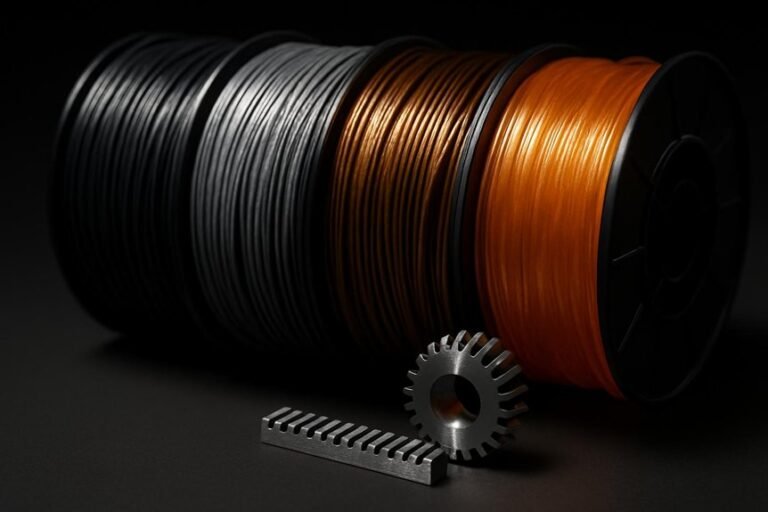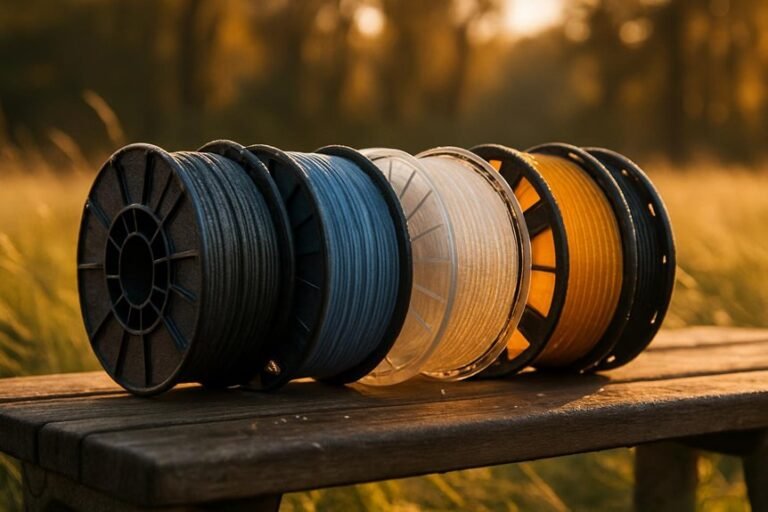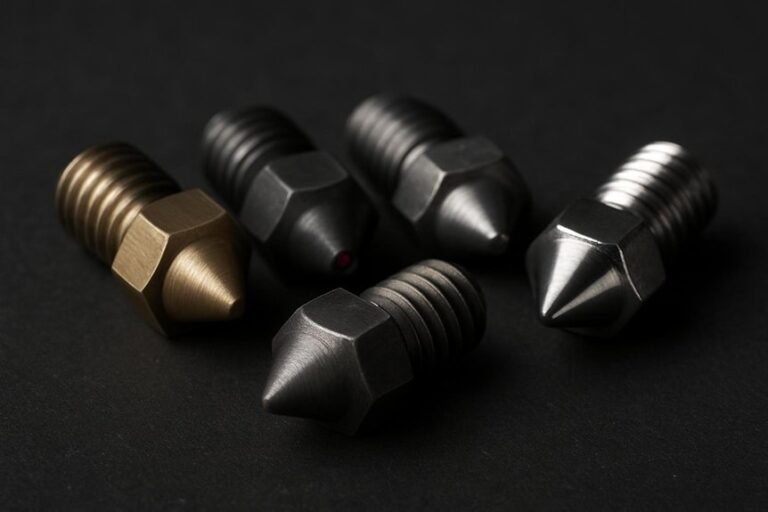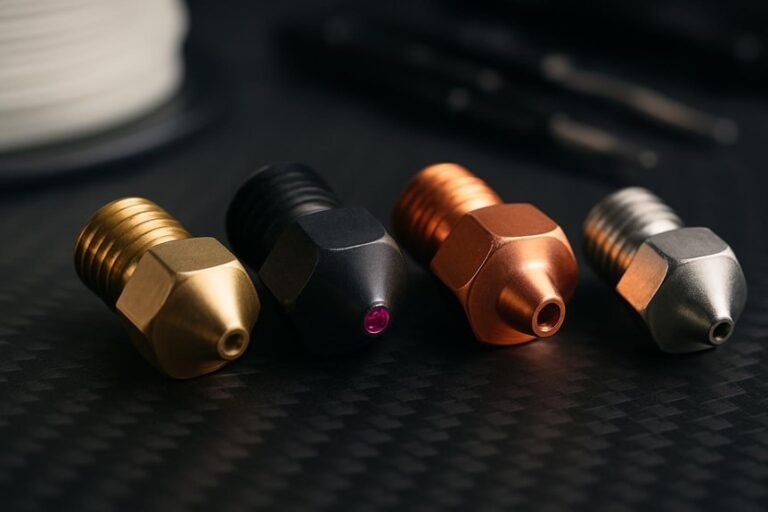
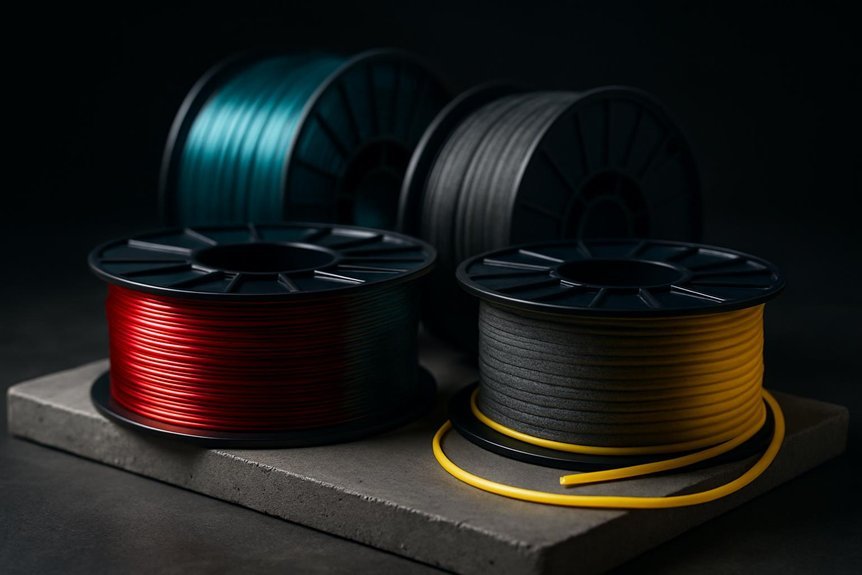
When you’re prototyping, the filament you pick can make or break a project, so you’ll want options that print fast, cost little, and hold up in real use. I’ll walk you through four solid choices—PLA for ease, PETG for strength, ABS for heat, and ASA for outdoor toughness—share when to use each, and point out key settings that save time and headaches. Stick around and you’ll know which spool to grab next.
SUNLU PLA 1.75mm 3D Printer Filament, 1kg Spool (Black)
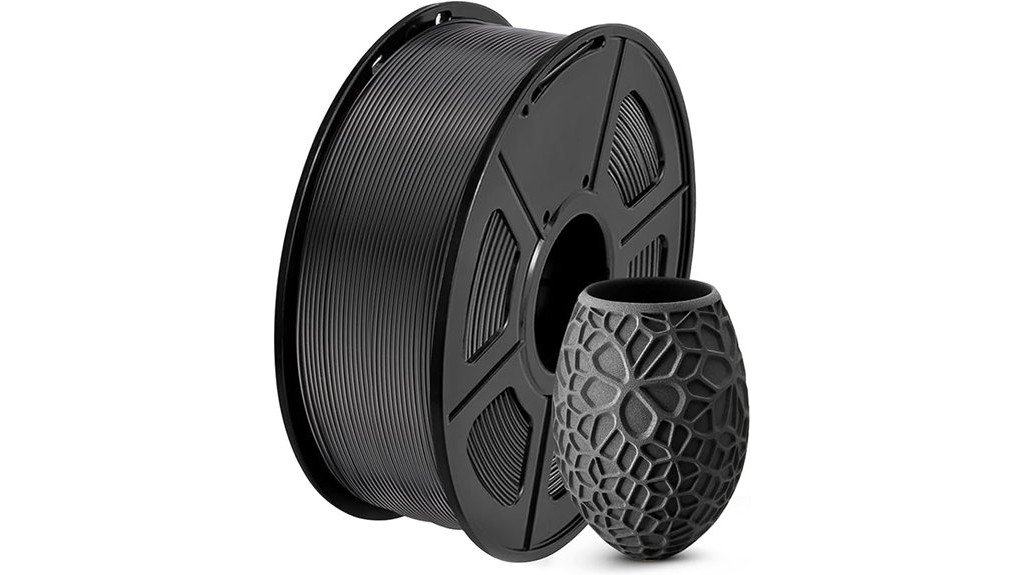
If you want a reliable, beginner-friendly filament that cuts down on print headaches, SUNLU’s PLA 1.75mm spool is a smart pick because it’s wound precisely to avoid tangles and keeps diameter error to a minimum. You’ll like the neat winding and +/-0.02mm accuracy since they help prevent jams and inconsistent layers. Black PLA prints with good adhesion and clear detail, and you won’t deal with bubbles or clogging. Use 200–230°C nozzle temps, a 50–65°C bed, and 50–100mm/s speeds for best results. The 1kg spool fits most printers and makes prototyping affordable and straightforward.
Best For: Beginners and hobbyists who want a reliable, tangle-free PLA filament with consistent diameter for smooth, trouble-free FDM printing.
Pros:
- Precise diameter tolerance (+/- 0.02mm) and neat winding reduce jams and ensure consistent layer quality.
- Good layer adhesion and no bubbles or clogs, producing clear detail in black prints.
- Wide compatibility with 1.75mm printers and recommended settings (200–230°C nozzle, 50–65°C bed) make it easy to use.
Cons:
- PLA is less heat-resistant and mechanically durable than PETG or ABS for high-temperature or load-bearing parts.
- Spool size and weight (1kg, small spool width) may not fit every printer without an adapter.
- Limited to single-color black per spool; multiple colors require buying additional spools.
OVERTURE PETG 3D Printer Filament 1.75mm 1kg Spool (Black)
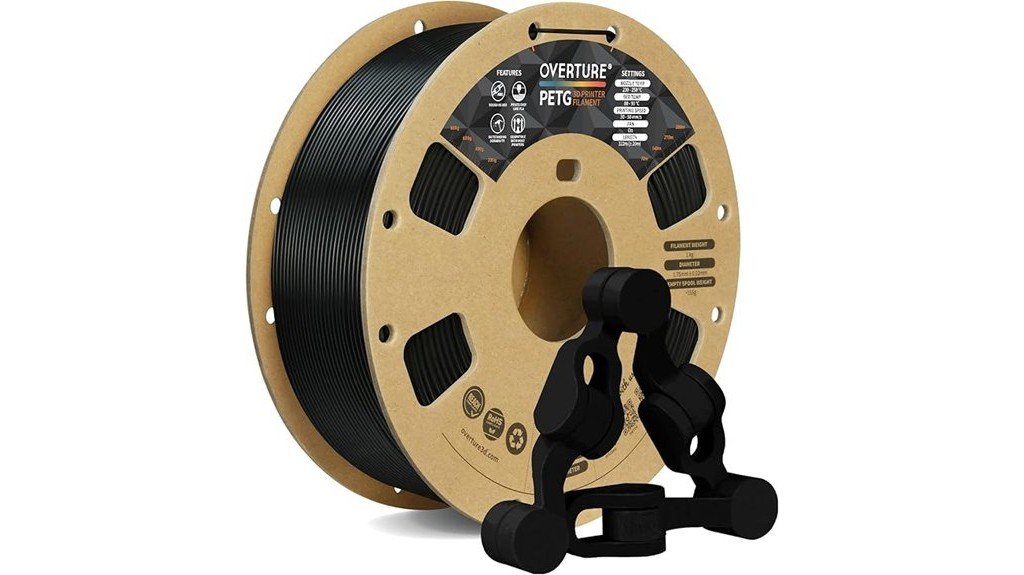
Think of the OVERTURE PETG spool as the go-to choice for makers who need tough, reliable prototypes that can actually be used—not just displayed. You’ll find PETG stronger than PLA and simpler to print than ABS, so it’s great for mechanical parts and outdoor gear. The 1.75mm, 1kg spool holds filament with +/-0.02mm accuracy, wound to prevent tangles. Print at about 245–255°C with a 70–85°C bed and moderate speeds to avoid stringing. It arrives vacuum-sealed with a resealable bag, but dry it if it absorbed moisture. With solid reviews, it balances durability, ease, and value.
Best For: Makers and hobbyists who need tough, reliable functional parts and outdoor-ready prototypes that are easier to print than ABS and stronger than PLA.
Pros:
- Strong, durable PETG with excellent layer adhesion and low shrinkage for mechanical parts and outdoor use.
- Consistent 1.75mm diameter with +/-0.02mm tolerance and precision-wound spool to reduce tangles.
- Vacuum-sealed packaging with resealable bag and widely recommended printing temps (245–255°C nozzle, 70–85°C bed).
Cons:
- Higher printing temperature and slower recommended speeds (~38 mm/s) can increase print time and energy use.
- PETG is more prone to stringing if settings and cooling aren’t optimized.
- Absorbs moisture over time; may require drying before use for best results.
OVERTURE ABS 1.75mm 3D Printer Filament – High Strength, Heat-Resistant, 1kg (Black)
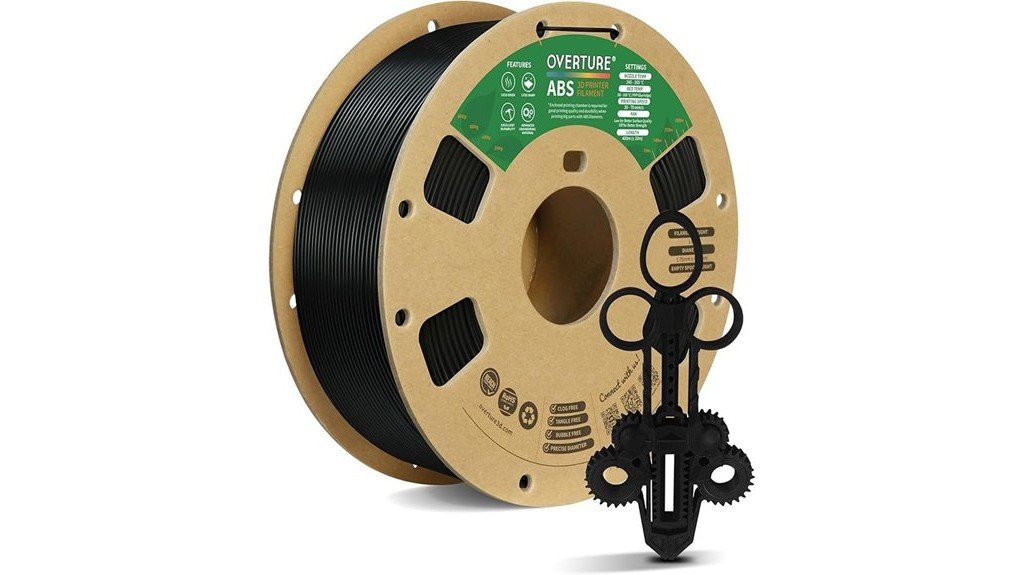
For prototype makers who need parts that can stand up to heat and rough handling, Overture’s ABS 1.75mm filament is a solid choice — it’s built for strength and a glossy finish, so your test pieces not only hold up but look professional. You’ll appreciate the 1kg spool with tight 1.75mm +/-0.02mm tolerance, which gives reliable feeding and good layer adhesion. Prints resist heat and wear, with minimal shrinkage and a smooth surface, though supports can stick and smell during printing. Use ventilation, an all-metal hotend, and dry storage; you’ll get durable, attractive prototypes at a reasonable price.
Best For: Prototype makers and hobbyists who need heat-resistant, durable 3D-printed parts with a glossy finish and reliable feeding from a 1kg spool.
Pros:
- High strength and heat resistance with a glossy, professional-looking finish.
- Tight 1.75mm ±0.02mm tolerance for consistent feeding and good layer adhesion.
- Generally easy to print (even at faster speeds) with minimal stringing and few clogs.
Cons:
- Noticeable odor during printing — requires good ventilation.
- Supports can adhere strongly and be difficult to remove.
- Sensitive to moisture; benefits from proper dry storage and may need an all-metal hotend for best results.
Polymaker ASA 1.75mm 1kg Black 3D Printing Filament
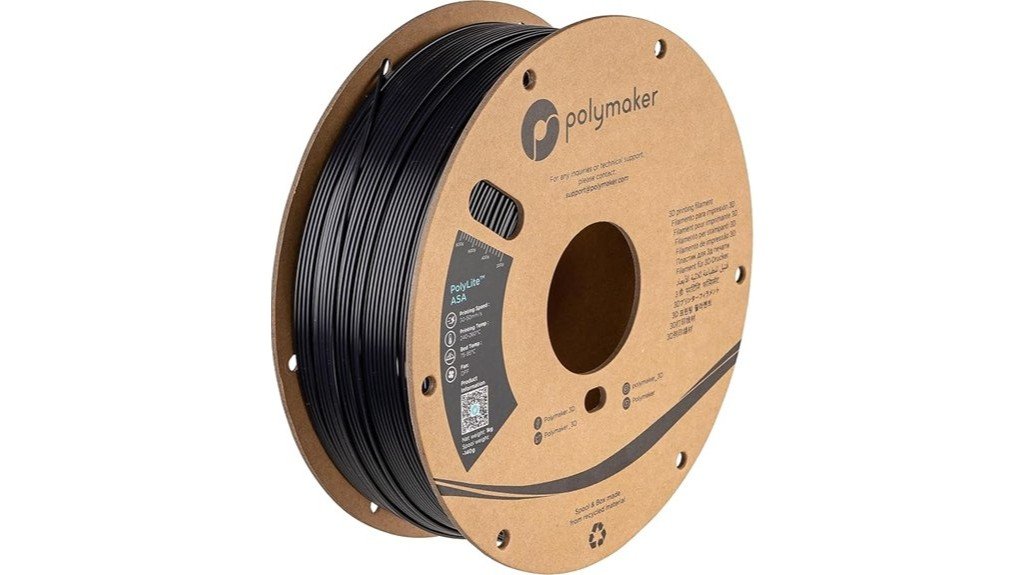
Polymaker ASA is a go-to choice when you need prototypes that can stand up to sun, heat, and rough handling—think outdoor parts, RC planes, or car accessories that won’t crack after a weekend in the yard. You’ll like its ABS-like strength but with added UV and weather resistance, so prints won’t yellow or craze outdoors. It handles heat up to about 100°C and offers strong impact resistance for functional use. Print at 250°C with a 90°C bed, around 50mm/s, and use an enclosure for big parts. Packaging is recycled, and Polymaker provides lifetime technical support if you need help.
Best For: makers and professionals who need durable, UV- and heat-resistant outdoor parts (RC models, automotive accessories, and functional prototypes) printed with an enclosed printer.
Pros:
- Excellent weather and UV resistance for long-lasting outdoor use.
- High heat tolerance (~100°C) and strong impact resistance for functional parts.
- Recycled packaging and lifetime technical support from Polymaker.
Cons:
- Requires high nozzle (250°C) and bed (90°C) temperatures — not ideal for beginner printers.
- Benefits from an enclosed printer to avoid warping on large parts.
- Slightly more demanding print settings compared with PLA (may need tuning).
Factors to Consider When Choosing Filament for Prototypes
When you pick filament for a prototype, think about how strong the part needs to be and whether tight dimensions are critical, because those factors shape your material choice. Also consider the finish you want, plus whether the part will face heat, sun, or chemicals, since thermal and environmental resistance matter for real-world use. Finally, weigh how easy the filament is to print and how it fits your workflow, because a tricky material can slow you down even if it checks all the boxes on paper.
Mechanical Strength Needs
Although you might be building a quick mock-up, prototypes that will be handled or put under load need filaments with real strength and toughness, so you don’t end up testing a design with a part that breaks on first use. You’ll want materials that resist impact and stretching: ABS is a go-to for high tensile strength and heat resistance, while PETG offers strength with extra flexibility so parts bend instead of snap. For outdoor or hot applications, ASA gives UV resistance and can handle temperatures up to about 100°C (212°F). Think about how the part will be used — dropped, flexed, or exposed to sun and heat — and pick a filament that matches those demands. That way your prototype survives real-world tests.
Dimensional Accuracy Importance
Tough materials are great when you need parts that won’t snap or warp, but you also need prints that come out to the right size — especially when pieces have to fit together. Dimensional accuracy matters because it makes sure parts mate correctly and work as intended; in precision work you’re aiming for about +/- 0.02mm. When accuracy is good, you won’t spend hours sanding or reaming parts, so you save time and materials during prototyping. Filament consistency plays a big role: if the diameter varies, your printer may under- or over-extrude and dimensions will drift. For functional prototypes, tiny errors can cause misalignment or failure, so choose filaments known for steady diameter and predictable behavior to keep your iterations reliable and testable.
Surface Finish Expectations
Because the filament you pick shapes more than just strength and fit, you’ll want to contemplate how it affects the look and feel of your prototype’s surface. You’ll notice PLA often gives very smooth layers with good adhesion, so parts can look clean right off the printer. ABS can take on a glossy, polished look if you post-process it, which is great when appearance matters. PETG, when dialed in, shows low shrinkage and minimal stringing, so surfaces stay strong and tidy. ASA mixes ABS-like finish with better outdoor durability, useful for weather-exposed models. Remember print temperature and speed hugely affect finish — higher temps usually improve layer bonding. Store filament dry and handle it carefully; moisture ruins surface consistency fast.
Thermal and Environmental Resistance
When you pick a filament for a prototype, think about how it’ll stand up to heat and the elements, since those factors decide where you can actually use the part. You’ll want materials with higher thermal resistance like ABS or ASA when parts face heat; ASA tolerates up to about 100°C (212°F), so it’s a smart choice for hotter environments. For outdoor gear, ASA’s UV resistance and lower tendency to suffer environmental stress cracking mean your prototype will last longer. PETG gives you a middle ground — moderate heat and moisture resistance that’s great for functional parts exposed to varying conditions. Also check dimensional accuracy (often around ±0.02 mm) and match your printing temperatures to get strong layer adhesion.
Printability and Workflow
If you want prints that come out right the first time, pay attention to printability and workflow from the start, since small choices like filament tolerance, winding, and temperature settings make a big difference. You’ll want filament with tight dimensional accuracy—around +/- 0.02mm—to cut failed prints and wasted time. Precision-wound spools help too, because tangles slow you down and wreck a run. Match your nozzle and bed temps to the material: PLA near 200–230°C with a 50–65°C bed, PETG around 245°C and slower speeds near 38mm/s, and ASA/ABS hotter at about 250°C with beds near 90°C to reduce warping. Tweak print speed to balance detail and time, and keep notes so your workflow gets smoother with each prototype.
FAQ
Can I Paint or Dye These Filaments After Printing?
1. Can I paint 3D printed ABS filaments?
Yes, you can paint ABS filaments. It’s recommended to sand and prime the surface for better paint adhesion.
2. What preparation is needed before painting PLA?
Before painting PLA, you should sand the surface and apply a primer to ensure a smooth finish and good paint adhesion.
3. Is it possible to dye nylon filaments?
Yes, nylon can be dyed using fabric dyes. Make sure to follow the dyeing instructions carefully for best results.
4. How do I achieve a smooth finish on ABS prints?
You can achieve a smooth finish on ABS by using solvent smoothing techniques. This process helps to melt the surface slightly for a polished look.
5. What type of primer should I use on PETG?
For PETG, use a primer that is suitable for plastics to ensure good adhesion of the paint. Always check compatibility before applying.
6. Can I use any paint on 3D printed parts?
Not all paints are suitable for 3D printed parts. Use paints specifically designed for plastic to ensure durability and adhesion.
7. Do I need to sand before dyeing nylon?
Sanding is not necessary when dyeing nylon. However, ensure the surface is clean to achieve even dye application.
8. What is the best way to prepare PLA for painting?
The best way to prepare PLA for painting is to sand it lightly to remove any imperfections and then apply a suitable primer.
9. How can I improve paint adhesion on PETG?
To improve paint adhesion on PETG, lightly sand the surface before applying a compatible primer and paint.
10. Are there specific paints for 3D printed items?
Yes, there are specific paints designed for 3D printed items which offer better adhesion and durability. Look for paints labeled for plastic use.
How Recyclable Are These Filament Materials?
FAQs on Filament Material Recyclability
1. Can I recycle PLA?
Yes, PLA is often recyclable through municipal or specialized recycling programs, making it one of the more eco-friendly filament options.
2. Is PETG recyclable?
Yes, PETG can be recycled, but availability may depend on local recycling facilities. Check with your local programs for specific guidelines.
3. What about ABS filament?
ABS is more challenging to recycle compared to PLA and PETG. Recycling facilities may not accept it, so you may need specialized equipment for reuse.
4. Are composite filaments recyclable?
Composite filaments are typically harder to recycle due to their mixed materials. Finding local facilities that accept them can be difficult.
5. Do I need special equipment to recycle ABS?
Yes, you will likely need filament recycling gear to process ABS for reuse effectively since many municipal programs do not accept it.
6. How can I recycle PLA at home?
For home recycling, you can use a filament extruder to melt down and reshape PLA into new filament, provided you have the right equipment.
7. Are there municipal programs for PETG recycling?
Some municipalities may provide recycling options for PETG, but it’s essential to verify with local authorities as services vary widely.
8. What should I do with unused filament?
If you have unused filament, consider donating it to local schools or makerspaces, as they often welcome materials for educational projects.
9. Can I mix different filaments for recycling?
It’s generally not advisable to mix different types of filament when recycling, as each material has distinct properties and melting points.
10. What’s the best way to determine recycling options in my area?
Research your local recycling programs online or contact your waste management authority to find out what filament materials they accept.
Do Any of These Emit Harmful Fumes While Printing?
1. Do all 3D printing filaments emit harmful fumes?
Not all filaments emit harmful fumes while printing. However, some, particularly ABS, nylon, and PETG, can release irritating or toxic VOCs.
2. Is PLA safe to use for 3D printing?
Yes, PLA is considered low-odor and generally safe for printing as it does not emit harmful fumes like some other filaments.
3. What precautions should I take while using ABS filament?
When using ABS filament, it’s important to ensure proper ventilation in your workspace to minimize exposure to potentially harmful fumes.
4. Can nylon filament release harmful emissions?
Yes, nylon can release irritating fumes during printing, so it is advisable to work in a well-ventilated area or use an enclosure.
5. What are VOCs and why are they a concern in 3D printing?
VOCs, or volatile organic compounds, are chemicals that can be emitted by certain filaments like ABS and PETG, posing health risks if inhaled over time.
6. Should I use a respirator while 3D printing?
Using a respirator can provide extra protection against harmful fumes, especially when printing with materials known to release VOCs.
7. Is it necessary to have an enclosure for my 3D printer?
An enclosure can help contain fumes and improve ventilation, making it a good choice when printing with filaments that emit harmful substances.
8. How can I improve ventilation while 3D printing?
Improving ventilation can be achieved by opening windows, using exhaust fans, or setting up an air filtration system in your printing area.
9. Are there any filaments that are completely fume-free?
While many filaments are low-odor, PLA is one of the safest options with minimal emissions, making it a preferred choice for indoor printing.
10. What should I do if I experience irritation while printing?
If you experience irritation while printing, stop the process immediately, increase ventilation, and consider using a respirator for future prints.
Which Filament Is Best for Flexible Prototype Parts?
FAQ on Best Filament for Flexible Prototype Parts
1. What type of filament is recommended for flexible prototype parts?
TPU (Thermoplastic Polyurethane) is the most recommended filament for flexible prototypes due to its elasticity and durability.
2. What are the key properties of TPU?
TPU is highly elastic, wear-resistant, and offers excellent layer adhesion and shock absorption, making it ideal for flexible applications.
3. What printing speed should I use for TPU?
When printing with TPU, it’s best to use slower print speeds to ensure quality and avoid issues with layer adhesion.
4. What type of extruder is compatible with TPU?
A direct-drive extruder is highly recommended for TPU, as it provides better control over the filament feeding and reduces the risk of jams.
5. Do I need to adjust retraction settings when printing TPU?
Yes, you will need to tune your retraction settings specifically for TPU to prevent stringing and ensure clean prints.
6. Can I use a Bowden extruder for TPU printing?
While it’s possible, a Bowden extruder may not provide the same level of control as a direct-drive extruder, which can lead to printing issues.
7. What are the advantages of using TPU for prototypes?
The main advantages include flexibility, durability, and the ability to absorb shocks, which is crucial for functional prototype parts.
8. Is TPU suitable for all types of prototypes?
TPU is particularly suited for flexible prototypes, but for rigid prototypes, other filaments like PLA or ABS may be more appropriate.
9. What kind of post-processing can I do with TPU prints?
TPU can be sanded and painted, though care should be taken to maintain its flexibility and structure during these processes.
10. How does temperature affect TPU printing?
TPU typically requires a heated bed and specific temperature settings to ensure proper adhesion and prevent warping during the printing process.
Can I Food‑Safe Print Functional Items With These Filaments?
FAQ 1: Can I use any filament for food-safe printing?
No, not all filaments are safe for food contact. You must use certified food-safe filament to ensure safety.
FAQ 2: What type of nozzle is required for food-safe printing?
A stainless steel nozzle is essential for food-safe printing. It helps prevent contamination that can occur with other materials.
FAQ 3: How important is the surface finish of the print?
Smooth, sealed surfaces are crucial for food-safe prints. They reduce the risk of bacteria harboring in any pores or rough areas.
FAQ 4: What is validated post-processing?
Validated post-processing refers to techniques applied after printing to ensure the item meets food safety standards. This could include sealing or coating the printed item.
FAQ 5: Why should I avoid porous prints?
Porous prints can trap bacteria and contaminants, making them unsafe for food. It’s essential to ensure prints are non-porous.
FAQ 6: How can I test my prints for food safety?
Testing your prints often involves checking for leaching and ensuring they don’t harbor bacteria. Conduct thorough tests before using them with food.
FAQ 7: Are there specific certifications I should look for in filaments?
Yes, look for filaments that are specifically labeled as food-safe and have relevant certifications. This ensures they have been tested for safety.
FAQ 8: Can I use my regular 3D printer for food-safe items?
You can use your regular 3D printer, but modifications may be necessary, such as using a stainless steel nozzle and ensuring proper cleaning protocols.
FAQ 9: Is it safe to print utensils or containers with 3D printing?
While it’s possible, ensure that all safety measures are followed, including using food-safe filament and proper post-processing techniques.
FAQ 10: What should I do if I’m unsure about the safety of my prints?
If you’re unsure, it’s best to err on the side of caution and not use the prints for food. Consulting with experts in food safety can provide further guidance.
Final Thoughts
Choose the right filament to meet your specific goals. For easy and detailed prints, use SUNLU PLA; it delivers consistent results every time. If you need tougher parts without sacrificing print quality, go for OVERTURE PETG—it’s a reliable choice. When heat resistance and strength are non-negotiable, opt for OVERTURE ABS; it performs exceptionally well in demanding applications. For outdoor projects that need durability against the elements, Polymaker ASA is your best bet.
Always consider the function of your part, the print settings you’ll be using, and any finishing requirements. Before diving in, test a small print to ensure compatibility with your design. This approach saves you time and money by aligning the material with its intended use, ultimately resulting in prototypes that effectively validate your design concepts.