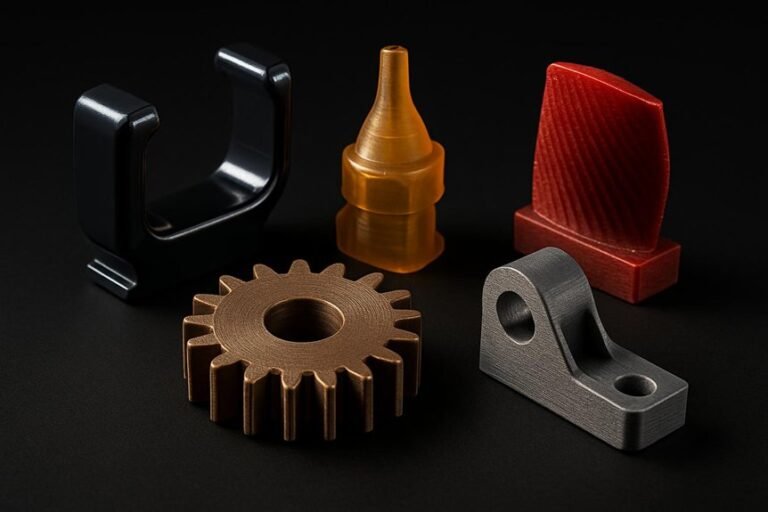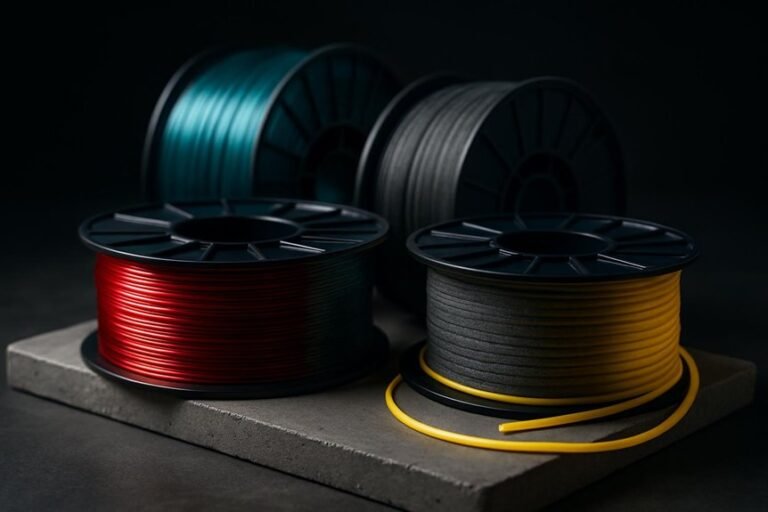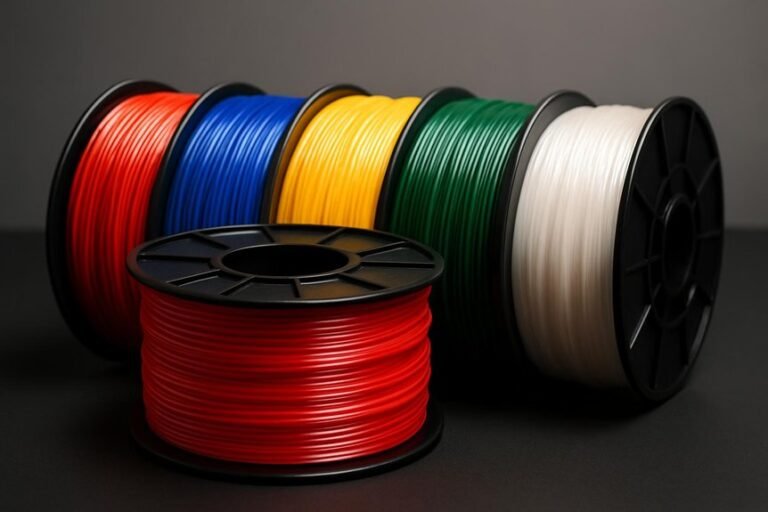
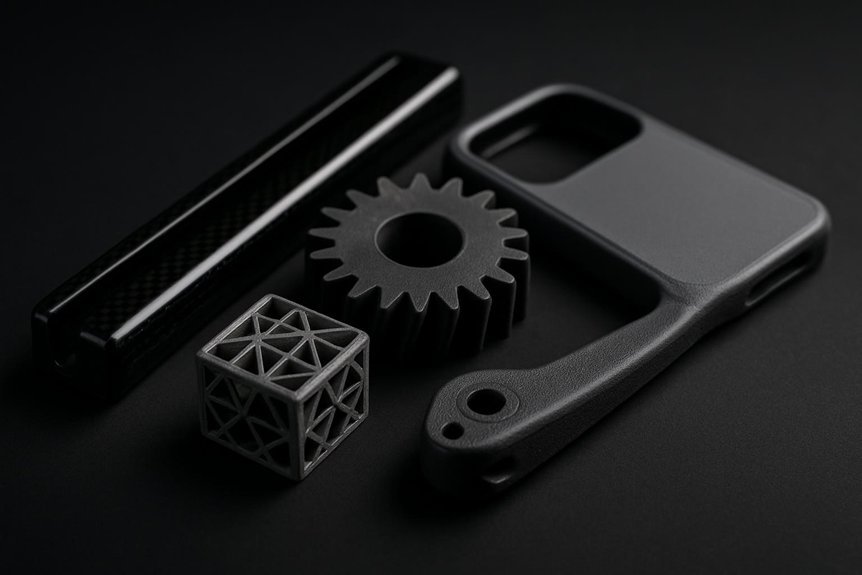
If you want prints that stay light but feel bulletproof, carbon fiber filaments are a smart upgrade—you’ll get higher stiffness, better strength-to-weight ratio, and a matte finish that hides layer lines. Some blends are easy to print for functional prototypes, while others need heated beds and tougher nozzles. I’ll walk you through five top picks and which printers and parts they suit best, so you can pick the right fiber for your next build.
Polymaker Fiberon PA612-CF Carbon Fiber Nylon 1.75mm 3D Printing Filament (0.5kg, Black)
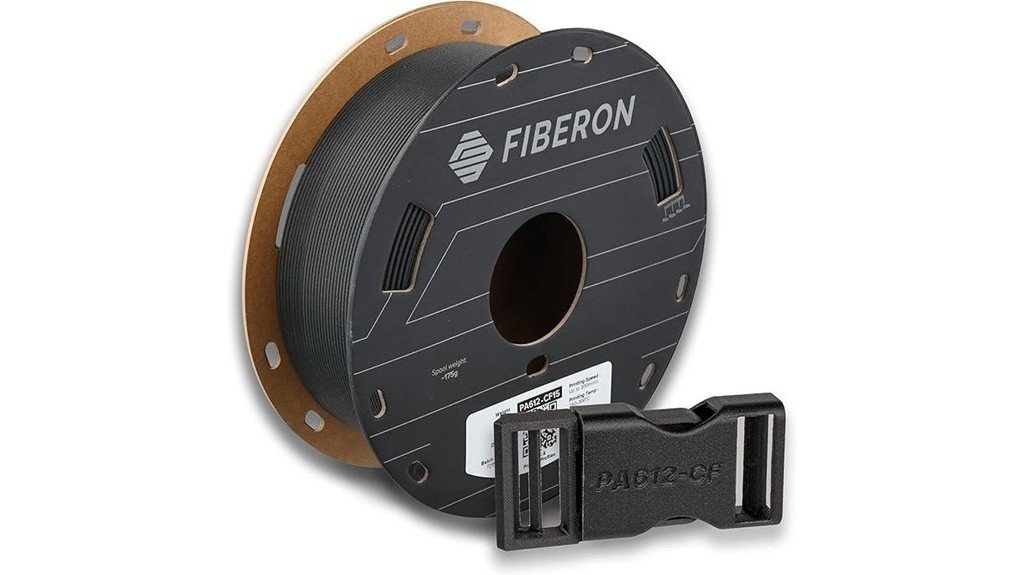
If you’re after a filament that brings industrial strength to hobby-level printers, Polymaker’s Fiberon PA612-CF is a solid pick—you’ll get carbon fiber–reinforced nylon that’s built for tough parts but prints without the usual headaches. You’ll appreciate the 1.75mm, 0.5kg spool in black, wound tangle-free and vacuum-sealed with desiccant for simple storage. It’s stronger and more stable than many nylons, prints cleanly with minimal warping, and works on most printers if you use a hardened nozzle. Folks praise its surface finish and dimensional accuracy, though drying first and cautious handling helps avoid brittleness.
Best For: makers and small-scale manufacturers who need a strong, dimensionally stable carbon-fiber–reinforced nylon that prints reliably on most hobby and entry-level printers with a hardened nozzle.
Pros:
- High strength and thermal stability from carbon-fiber reinforcement, suitable for tooling, automotive, and end-use parts.
- Tangle-free, vacuum-sealed packaging with desiccant and recycled cardboard spool for easy storage and reduced moisture exposure.
- Good printability with minimal warping, excellent first-layer adhesion, and consistent dimensional accuracy.
Cons:
- Slightly abrasive and potentially brittle—requires a hardened nozzle and careful handling.
- Some users recommend pre-drying to avoid moisture-related issues.
- Smaller 0.5 kg spool may require more frequent changes for larger projects.
FLASHFORGE Carbon Fiber PETG 1.75mm 1kg Reinforced 3D Printer Filament (Black)
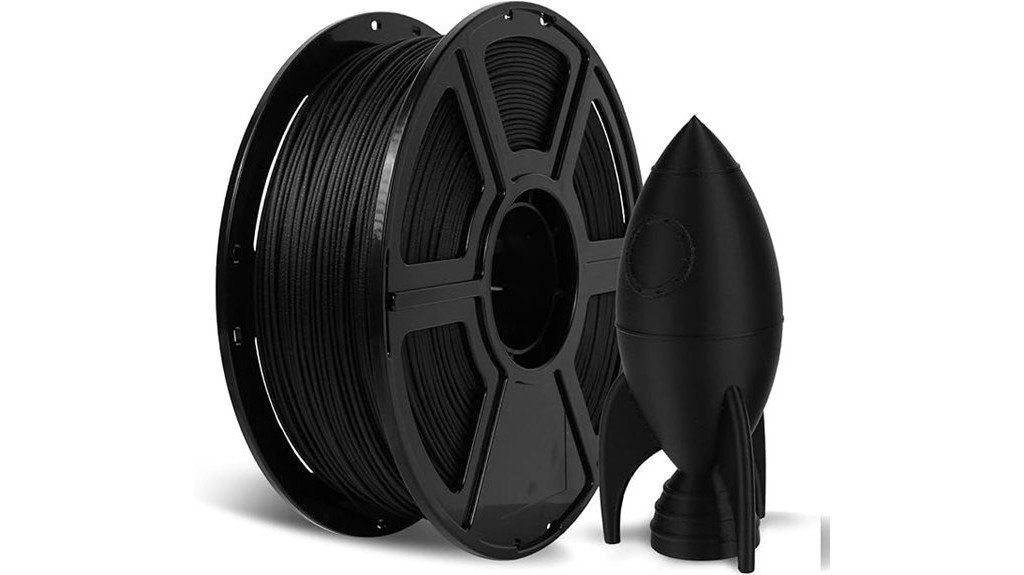
For hobbyists and small-scale makers who need parts that actually hold up under stress, FLASHFORGE’s Carbon Fiber PETG is a smart choice — think functional prototypes, drone frames, and working gears that must stay straight and strong. You’ll get PETG reinforced with carbon fiber, which boosts strength, rigidity, and wear resistance so parts survive friction and repeated use. It handles heat better than plain PETG, so you can use it in warmer environments. Printing stays straightforward, with reduced warping and good dimensional accuracy, so your prints come out smoother and more reliable. It’s a practical, user-friendly option for durable, lightweight parts.
Best For: Hobbyists and small-scale makers who need durable, heat-resistant, and wear-resistant functional parts such as drone frames, working gears, and load-bearing prototypes.
Pros:
- Reinforced with carbon fiber for increased strength, rigidity, and improved wear resistance.
- Better heat resistance than standard PETG, suitable for warmer operating environments.
- Stable printing with reduced warping and good dimensional accuracy for reliable, smooth prints.
Cons:
- Carbon fiber reinforcement can be more abrasive to nozzles, requiring hardened or wear-resistant nozzle materials.
- Slightly stiffer and potentially more brittle than pure PETG for some impact-sensitive applications.
- Typically higher cost than standard PETG filaments.
SUNLU Carbon Fiber PETG 3D Printer Filament 1.75mm (1KG Spool, 10% Carbon Fiber, Matte Black)
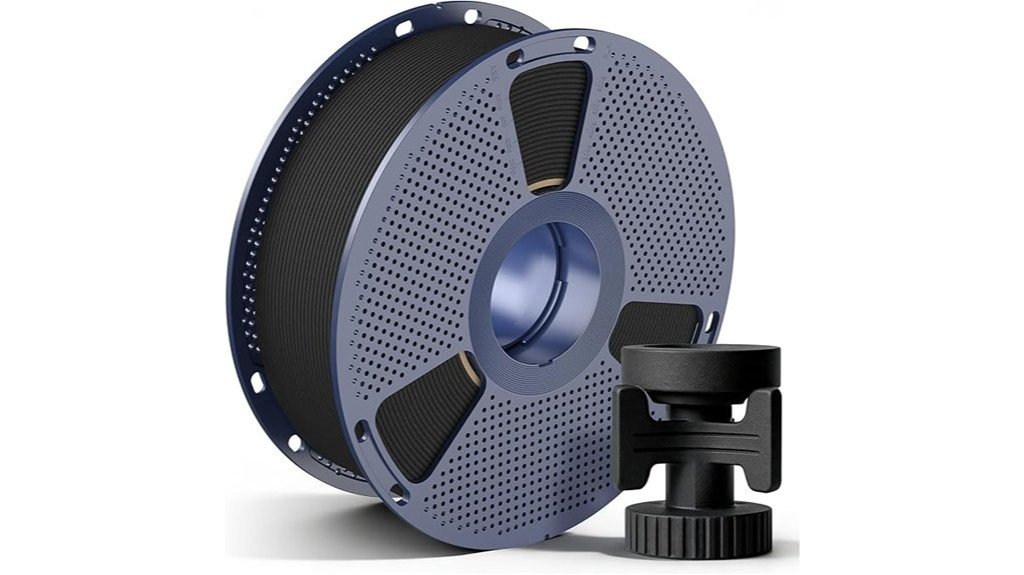
SUNLU’s Carbon Fiber PETG is a great pick if you want a tough, matte-finish filament that’s still easy to print with—think hobbyists and small workshop users who need stronger parts without fighting clogs. You’ll get a 1kg spool of 1.75mm PETG filled with 10% carbon fiber, giving better rigidity and an impact strength around 19 kJ/㎡. It prints smoothly at 240–250°C with a 50–70°C bed, and drying it 4–6 hours helps. The matte black surface looks refined and offers subtle grip. Reviews average 4.2 stars, and SUNLU provides a 30-day return option.
Best For: hobbyists and small workshop users who want a tougher, matte-finish filament that’s easy to print and produces rigid, durable parts.
Pros:
- Improved rigidity and impact resistance from 10% carbon fiber fill (impact strength ~19 kJ/㎡).
- Matte black finish with subtle texture for refined appearance and grip.
- Generally smooth printing with low clogging/stringing; compatible with most 1.75mm FDM printers.
Cons:
- Carbon fiber abrasiveness can wear standard brass nozzles—hardened nozzles recommended.
- Heat distortion temperature around 70°C limits high-temperature applications.
- Requires drying (70°C for 4–6 hours) to avoid print issues if filament absorbs moisture.
Creality PLA Carbon Fiber 1.75mm 1kg Filament (Black)
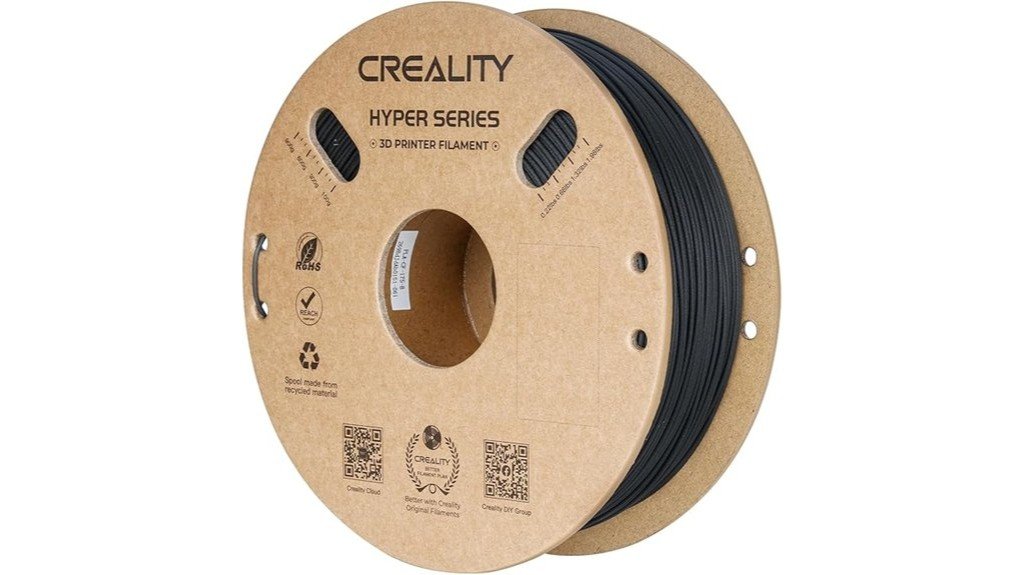
Think of this Creality PLA Carbon Fiber as a go-to option when you want lightweight parts that still handle stress—it’s especially well suited if you’re printing drone components, model aircraft joints, or any hobby project that needs extra stiffness without adding heavy post-processing. You’ll print fast—50–300 mm/s—thanks to its Hyper PLA-CF formula, and the spool holds 1 kg of black filament with ±0.03 mm accuracy. Expect about 30% better flexural strength, modulus, and impact resistance versus regular PLA, plus self-supporting prints that simplify cleanup. Creality’s broad compatibility, strong reviews, 24/7 support, and one-year warranty make it a dependable pick.
Best For: Makers and hobbyists who need lightweight, stiff structural parts for drones, model aircraft, and fast-printing functional prototypes.
Pros:
- High-speed capable (50–300 mm/s) with Hyper PLA-CF formulation for faster production.
- ~30% improved flexural strength, modulus, and impact resistance over standard PLA for stronger, stiffer parts.
- Broad printer compatibility, 1 kg spool with ±0.03 mm dimensional accuracy, plus 24/7 support and a 1-year warranty.
Cons:
- Carbon-fiber-filled PLA can be abrasive—may require a hardened nozzle for long-term use.
- Some users report occasional tangles and occasional print quality inconsistencies.
- Not as heat-resistant as engineering thermoplastics, limiting high-temperature applications.
SUNLU PA6-CF Carbon Fiber Nylon 1.75mm 3D Printer Filament (0.5kg)
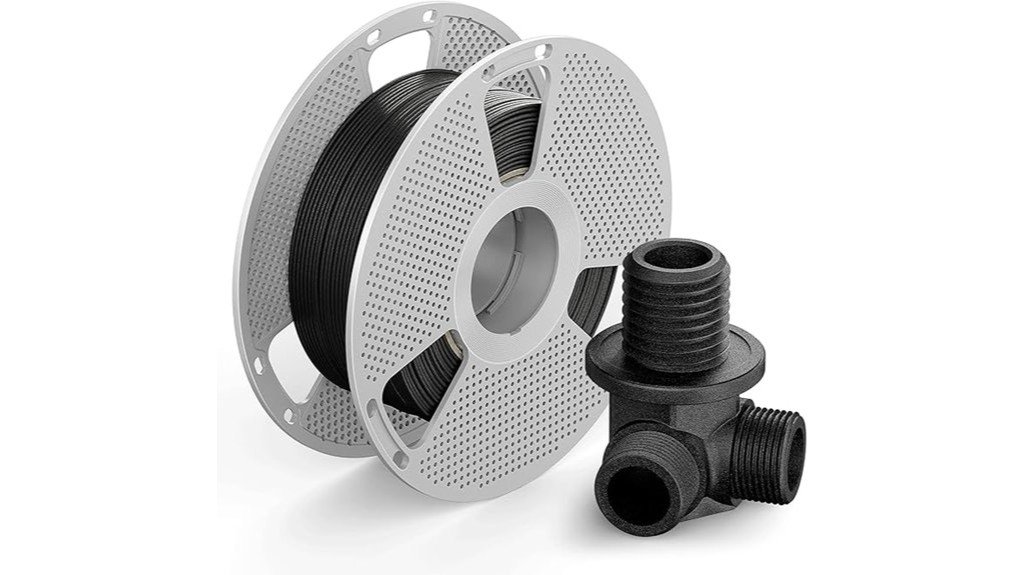
If you need a filament that brings near-industrial strength to hobbyist printers, this PA6-CF blend is a standout choice. You’ll get 80% PA6 nylon reinforced with 20% carbon fiber, giving excellent stiffness and impact resistance for gears, fan blades, or bike parts. Print at 270–290°C with a 50–70°C bed, dry spool beforehand (80°C/24h or 110°C/4h), and consider annealing for extra heat resistance. Use an abrasion-resistant nozzle and good ventilation because it smells during printing. SUNLU ships vacuum-sealed with desiccant, and users report great durability when they fine-tune settings and prep their prints.
Best For: experienced hobbyists and small-scale manufacturers who need a high-strength, heat-resistant filament for functional parts like gears, fan blades, and bike components.
Pros:
- High strength and stiffness from 80% PA6 nylon reinforced with 20% carbon fiber, suitable for demanding functional parts.
- Elevated heat deflection (up to ~209°C) and ability to be annealed for improved thermal performance.
- Vacuum-sealed packaging with desiccant and clear drying/storage recommendations to maintain filament quality.
Cons:
- Requires high nozzle temps (270–290°C) and careful tuning, making it less friendly for beginners.
- Abrasive carbon fibers accelerate nozzle wear, necessitating hardened/abrasion-resistant nozzles.
- Hygroscopic and prone to odor during printing; requires thorough drying and good ventilation.
Factors to Consider When Choosing Carbon Fiber Filament
When you pick a carbon fiber filament, you’ll want to think about whether your printer and nozzle material are compatible and can handle the higher temperatures some blends need. Check the fiber content percentage and moisture sensitivity, since more fibers can mean stiffer parts but also greater wear on the nozzle and a need for dry storage. Finally, balance the printing temperature range against nozzle wear risk so you get the strength you want without prematurely wrecking parts of your printer.
Material Compatibility
Because carbon fiber filaments can behave very differently from standard plastics, you’ll want to check a few key compatibility issues before you start printing. First, confirm your printer’s nozzle and feed system can handle abrasive fibers; if not, upgrade to a hardened nozzle to avoid costly wear. Match the filament diameter—usually 1.75mm or 2.85mm—to your printer for smooth feeding. Note the recommended temperature range so your hotend and bed can reach and hold those settings reliably. Store and dry filament if it’s moisture sensitive, since damp material ruins prints and weakens parts. Finally, compare the filament’s mechanical specs like tensile strength and impact resistance to your application so the finished part performs as you expect.
Fiber Content Percentage
You’ve already checked that your printer can handle abrasive, moisture-sensitive filaments, so next look closely at the fiber content percentage — it has a big say in how your prints perform. Higher carbon content usually means stronger, stiffer, more durable parts, so if you need structural pieces, aim for 20% or more. Around 10% fiber in PETG gives a noticeable strength and impact-resistance boost without making prints too brittle, which works well for gears or cases. Above 30% is common for heavy-load components, but expect reduced flexibility and a different feel. Balance is key: pick a lower percentage when you want some give and easier post-processing, and a higher percentage when rigidity and tensile strength are your priorities.
Nozzle Wear Risk
Abrasion is the hidden cost of carbon fiber filaments, and it’s something you’ll want to plan for before loading your spool. The tiny fibers make standard brass nozzles wear out faster, which can ruin prints and surprise your wallet. You’ll want to switch to hardened steel or ruby-tipped nozzles; they resist wear and keep print quality steady, especially with higher fiber-content blends. Check your nozzle regularly for signs of wear — uneven extrusion or rough surface finish are clues — and replace it before a print fails. Remember to factor nozzle replacement cost into your filament choice, since abrasive filaments mean more frequent changes. A small upgrade in nozzle now often saves time and frustration later.
Moisture Sensitivity
Nozzle wear is only one of the upkeep issues you’ll face with carbon fiber filaments; moisture sensitivity is another that can quietly wreck a print. You’ll find nylon and PETG blends behave differently: nylon-based CF filaments usually resist moisture better than plain nylon, but they still absorb water. If you skip drying, filament swelling and increased brittleness can cause poor layer adhesion and weaker parts. Many manufacturers recommend drying carbon fiber nylon—sometimes up to 110°C—before printing, which sounds tedious but pays off in strength and surface quality. Store spools in a dry place and keep desiccants in the packaging to avoid problems. Treating filament like food that needs a cool, dry pantry will save you time and failed prints.
Printing Temperature Range
When you’re picking a carbon fiber filament, the temperature range it needs is one of the first things to check, because heat affects flow, strength, and how well layers stick together. Check the manufacturer’s recommended nozzle temps: most carbon fiber blends print between 240°C and 290°C, and that range matters for smooth extrusion and reliable adhesion. PETG-based carbon fiber usually behaves around 240–250°C, which feels forgiving and easier to print. Higher carbon fiber content—especially 10–20% blends or carbon-filled nylons—often needs 270–290°C to fully melt and flow, so you’ll want a hotend that can handle it. Stick to recommended settings to avoid clogging, poor layer bonding, or ruined prints. Adjust slowly and keep notes for repeatable results.
Mechanical Performance
Now that you’ve thought about temperature needs and printer limits, let’s look at how carbon fiber changes a part’s actual strength and behavior. You’ll find carbon fiber-reinforced filaments noticeably boost tensile strength and rigidity versus standard plastics, so they work great for load-bearing parts. They also tend to improve impact resistance, helping parts survive knocks and drops without cracking. In many cases flexural strength and modulus climb by as much as 30%, which means stiffer, more reliable components. PETG-CF variants add heat resistance, so you can use them in warmer environments. Because carbon fiber reduces wear, gears, bearings, and high-friction parts often last longer. Keep in mind these benefits when picking a filament for functional, durable prints.
Surface Finish Options
Surface feel matters more than you might think, because it affects both how a part looks and how it performs in your hands. When you pick a carbon fiber filament, expect a matte, slightly textured finish that hides layer lines and gives a pleasant grip—great for handles or visible parts. The added fibers often smooth out appearance compared to plain PLA or ABS, but remember they can be abrasive; you’ll likely need a hardened nozzle to keep that surface quality. Printing settings like temperature and speed change how smoothly layers fuse, so tweak them to reduce roughness. Finally, don’t forget post-processing: light sanding or a clear coat can elevate the look and durability, letting you match aesthetics to function.
FAQ
Can Carbon Fiber Filament Damage Standard Printer Nozzles?
FAQs About Carbon Fiber Filament and Printer Nozzles
1. Can carbon fiber filament damage standard nozzles?
Yes, carbon fiber filament can rapidly wear down standard brass nozzles due to its abrasive properties.
2. What type of nozzle is recommended for carbon fiber filament?
It is recommended to use hardened steel or ruby-tipped nozzles to withstand the abrasiveness of carbon fiber filament.
3. How does carbon fiber filament affect printing speed?
When using carbon fiber filament, it’s important to adjust printing speeds to prevent clogs and ensure smooth extrusion.
4. What temperature settings should I use for carbon fiber filament?
Adjusting the temperature settings is crucial, as carbon fiber filament often requires higher temperatures than standard filaments for optimal printing.
5. How can I prevent clogs when using carbon fiber filament?
Regular monitoring of the extrusion process can help catch potential clogs early, allowing for adjustments as needed.
6. Is it possible to use a standard brass nozzle with carbon fiber filament?
While it is possible, using a standard brass nozzle will lead to quicker wear and potential blockage, making it less advisable.
7. What are the signs of nozzle wear when printing with carbon fiber filament?
Signs of nozzle wear include inconsistent extrusion, increased clogging, and visible damage to the nozzle tip.
8. Can I mix carbon fiber filament with other materials?
Mixing carbon fiber filament with other materials is possible, but be cautious as it can affect the overall print quality and nozzle wear.
9. How often should I check the nozzle when using carbon fiber filament?
It’s advisable to check the nozzle frequently during prints, especially if you notice any changes in extrusion quality.
10. What maintenance does a hardened steel nozzle require?
Hardened steel nozzles typically require less frequent replacement than brass nozzles but should still be cleaned occasionally to prevent buildup.
11. Are there any special considerations when storing carbon fiber filament?
Yes, carbon fiber filament should be stored in a dry environment to prevent moisture absorption, which can negatively impact print quality.
Do Carbon Fiber Filaments Require Different Slicer Settings?
FAQ 1: Do I need to change my slicer settings when using carbon fiber filaments?
Yes, different slicer settings are required for carbon fiber filaments to achieve optimal results.
FAQ 2: What should I adjust for print speed when using carbon fiber?
You should lower the print speed to accommodate the unique properties of carbon fiber filaments, which can affect print quality.
FAQ 3: How should I modify the nozzle temperature for carbon fiber prints?
It’s advisable to raise the nozzle temperature slightly compared to regular filaments to ensure proper melting and flow.
FAQ 4: What adjustments are recommended for retraction settings?
You should increase retraction settings to minimize stringing and improve the overall print quality when using carbon fiber.
FAQ 5: Should I change the flow rate for carbon fiber filaments?
Yes, increasing the flow rate can help ensure that sufficient material is extruded, which is important for achieving strong prints.
FAQ 6: Is additional cooling necessary for carbon fiber blends?
For certain carbon fiber blends, adding more cooling can improve print quality and prevent warping during the printing process.
FAQ 7: How should I adjust the layer height for prints with carbon fiber?
You may need to modify the layer height settings to improve adhesion and structural integrity, especially for the initial layers.
FAQ 8: What first-layer settings should I consider for carbon fiber prints?
It’s essential to adjust first-layer settings for better adhesion, which can include modifying the temperature and speed for that layer.
FAQ 9: Are there specific slicer profiles for carbon fiber filaments?
While there may not be universal profiles, many slicers allow for custom profiles that can be tailored to carbon fiber filament settings.
FAQ 10: Can I use standard filament settings for carbon fiber filaments?
Using standard filament settings is generally not recommended, as carbon fiber filaments require specific adjustments to ensure optimal printing results.
Is Carbon Fiber Filament Biodegradable or Recyclable?
1. Is carbon fiber filament biodegradable?
No, carbon fiber filament is not biodegradable. It does not break down naturally in the environment like organic materials.
2. Can carbon fiber filament be recycled?
Carbon fiber filament cannot be easily recycled through standard municipal recycling programs. It requires specialized recycling processes specifically designed for polymer matrix composites.
3. What should I do with leftover carbon fiber filament?
You can repurpose leftover carbon fiber filament scraps for new prints or creative projects. This helps minimize waste and reduces environmental impact.
4. Are there any recycling options for carbon fiber?
Yes, there are specialized recycling facilities that handle carbon fiber composites. However, these options may not be widely available and often require specific arrangements.
5. What impact does carbon fiber have on the environment?
The production and disposal of carbon fiber can contribute to environmental challenges since it is non-biodegradable and difficult to recycle. Using it responsibly and minimizing waste is crucial.
6. Can I dispose of carbon fiber filament in regular trash?
While you can dispose of carbon fiber filament in regular trash, it’s not environmentally friendly due to its non-biodegradable nature. Exploring alternatives like repurposing or specialized recycling is a better option.
7. How can I reduce waste when using carbon fiber filament?
To reduce waste, consider planning your prints carefully to minimize leftover material or use remnants in smaller projects. Repurposing scraps can significantly lessen environmental impact.
8. Is there a market for recycled carbon fiber?
Yes, there is a growing market for recycled carbon fiber, especially in industries looking to create sustainable materials. However, the infrastructure for recycling these materials is still developing.
9. What are polymer matrix composites?
Polymer matrix composites are materials made from a polymer resin reinforced with fibers, such as carbon fiber. These composites combine the lightweight and strength properties of carbon fiber with the versatility of polymers.
10. Are there eco-friendly alternatives to carbon fiber filament?
Yes, there are eco-friendly alternatives to carbon fiber filament, such as biodegradable filaments made from materials like PLA or recycled plastics. These options can provide similar benefits while being more environmentally friendly.
Can I Paint or Post-Process Carbon Fiber Prints?
1. Can I paint carbon fiber prints?
Yes, carbon fiber prints can be painted. It’s essential to prepare the surface properly to ensure good adhesion.
2. What preparation is needed before painting carbon fiber?
Before painting, you should sand the surface to create a rough texture, then apply a primer suitable for carbon fiber to enhance paint adherence.
3. Is sanding necessary for carbon fiber prints?
Sanding is necessary to achieve a smooth surface and to improve paint adhesion. It helps to remove any imperfections and creates a better bonding surface.
4. What type of primer should I use on carbon fiber prints?
Use a primer that is compatible with both carbon fiber and the paint you intend to use. This will ensure better adhesion and durability.
5. Can I use epoxy or filler on carbon fiber prints?
Yes, using epoxy or filler can help achieve a smoother finish on carbon fiber prints. Ensure that they are sanded down properly after application for optimal results.
6. What safety measures should I take when working with carbon fiber?
Always wear a respirator to avoid inhaling dust when sanding carbon fiber. Additionally, use gloves and goggles for further protection.
7. Are there specific paints recommended for carbon fiber?
Choose paints that are designed for plastics or composites, as they tend to bond better with carbon fiber. Check the manufacturer’s recommendations for compatibility.
8. Should I use a clear coat on painted carbon fiber prints?
Yes, applying a clear coat can provide an additional layer of protection and enhance the finish of the paint. Ensure that the clear coat is compatible with the paint used.
9. Can post-processing affect the structural integrity of carbon fiber prints?
If done correctly, post-processing should not affect the structural integrity of carbon fiber prints. However, excessive sanding or improper application of fillers can compromise their strength.
10. How can I achieve a professional finish on carbon fiber prints?
To achieve a professional finish, ensure thorough sanding, use high-quality primer and paint, and apply multiple thin layers rather than one thick coat. Finish with a compatible clear coat for added gloss and protection.
Are Carbon Fiber Filaments Food-Safe or Suitable for Medical Parts?
1. Are carbon fiber filaments safe for food contact?
No, carbon fiber filaments are not considered food-safe due to the presence of abrasive fibers and fillers that can contaminate food.
2. Can carbon fiber filaments be used for medical parts?
No, they are not suitable for medical applications as they do not meet biocompatibility standards required for implants or medical devices.
3. What issues arise from the porosity of carbon fiber prints?
The porosity of carbon fiber prints can trap bacteria, making them unsafe for both food and medical use.
4. Are there specific certifications for food-safe materials?
Yes, food-safe materials must be certified and tested to ensure they do not leach harmful substances into food.
5. What makes a material biocompatible?
Biocompatibility refers to a material’s ability to interact safely with the body without causing adverse reactions, which carbon fiber does not fulfill.
6. Can carbon fiber filaments be used in any food applications?
Carbon fiber filaments are generally not recommended for any food applications due to safety concerns.
7. What alternatives exist for food-safe 3D printing?
For food-safe 3D printing, consider materials specifically designed for food contact, such as certain types of PLA or PETG that are certified for safety.
8. Is it possible to treat carbon fiber filaments to make them food-safe?
No, treating carbon fiber filaments does not guarantee safety; they are inherently unsuitable for food applications due to their composition.
9. Are there any exceptions for using carbon fiber in food-related items?
There are no exceptions; carbon fiber is not advisable for any direct contact with food.
10. What should I look for in materials for medical devices?
Look for materials that are explicitly labeled as medical-grade and certified for biocompatibility to ensure safety in medical applications.
Final Thoughts
When it comes to selecting the right carbon fiber filament for your 3D printing projects, you can’t go wrong with these five expert picks. First up is Polymaker PA612-CF, a top-tier choice for industrial applications thanks to its impressive strength and minimal warping. If you’re seeking durable and easy-to-print functional parts, look no further than FLASHFORGE and SUNLU PETG; both are reliable options that deliver excellent results. For those high-speed drone components that demand precision, Creality PLA-CF is the way to go. Finally, when you need the unbeatable stiffness of nylon combined with fiber reinforcement, SUNLU PA6-CF is your best bet.
Always keep in mind key factors like strength, warping potential, printer temperature compatibility, abrasion resistance, and post-processing needs. By considering these elements, you’ll ensure your prints are not only lightweight and stiff but also ready for real-world applications. Trust me, these selections will set you up for success in your 3D printing endeavors.