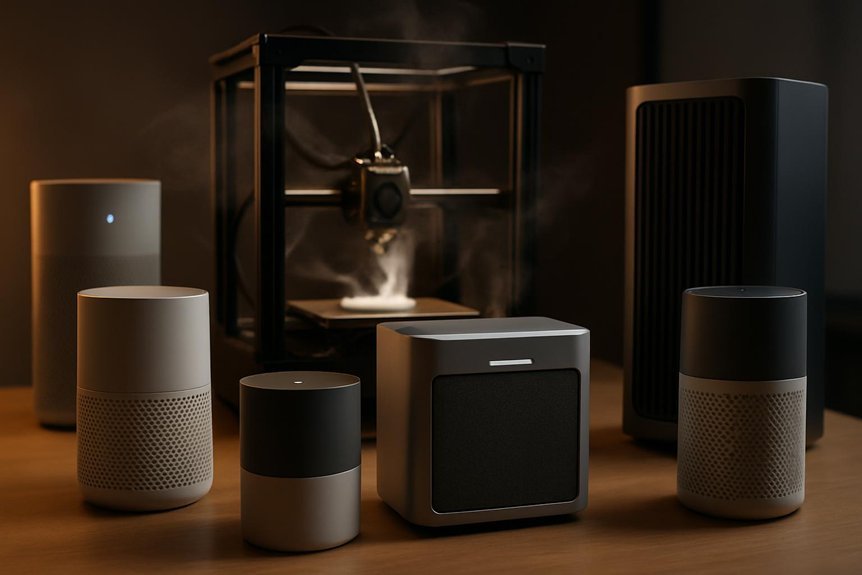
If you print resin or filament at home, you’ll want clean air fast—resins give off VOCs and FDM printers spit out ultrafine particles that you can’t smell but shouldn’t breathe. I’ll walk you through five compact purifiers that actually capture VOCs and tiny particles, explain how they differ, and point out the features that matter most so you can pick the right one for your setup. Keep scrolling to see which models fit small benches, closets, or shared spaces.
Creality Air Purifier for Resin 3D Printers (Resin Version)
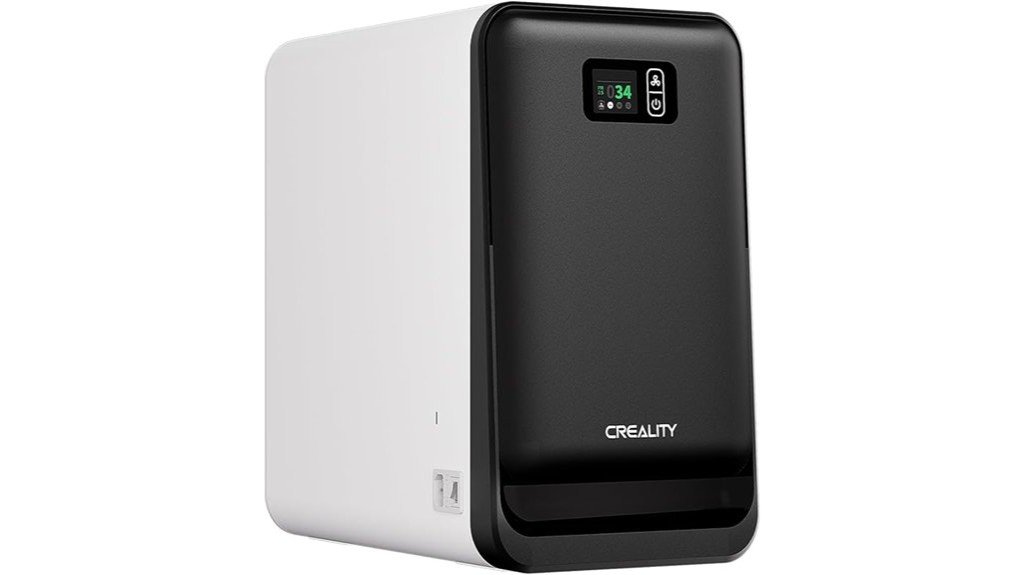
If you run resin 3D prints at home or in a small workshop, the Creality Air Purifier (Resin Version) is made for you because it’s built to tackle the strong odors and tiny particles resin printing produces. You’ll appreciate its 360° turbo airflow pushing 250 m³/h and a strong 1700 Pa suction that won’t disturb prints. A five-stage filter captures 99.99% of dust and odors, and an internal flow design uses 98% of the filter with no dead zones. A real-time PM2.5 sensor shows air quality, while long-life filters cut replacement costs and downtime.
Best For: Home users and small workshop operators who run resin 3D prints and need powerful odor and particulate removal without disturbing ongoing prints.
Pros:
- 360° turbo airflow (250 m³/h) with 1700 Pa suction cleans the workspace effectively while maintaining print stability.
- Five-stage filtration captures up to 99.99% of dust and odors with an internal flow design that achieves 98% filter utilization.
- Real-time PM2.5 monitoring plus long-life filters (standard 1000 hrs, V-Fod activated carbon 1500 hrs) reduces downtime and replacement costs.
Cons:
- Designed specifically for resin printing environments, so features may be unnecessary for filament-only setups.
- Replacement filters still require periodic purchasing and maintenance despite long lifespans.
- May represent a higher upfront cost compared with basic air purifiers not optimized for resin fumes.
ELEGOO Mini Air Purifier with Activated Carbon Filter for Resin 3D Printers
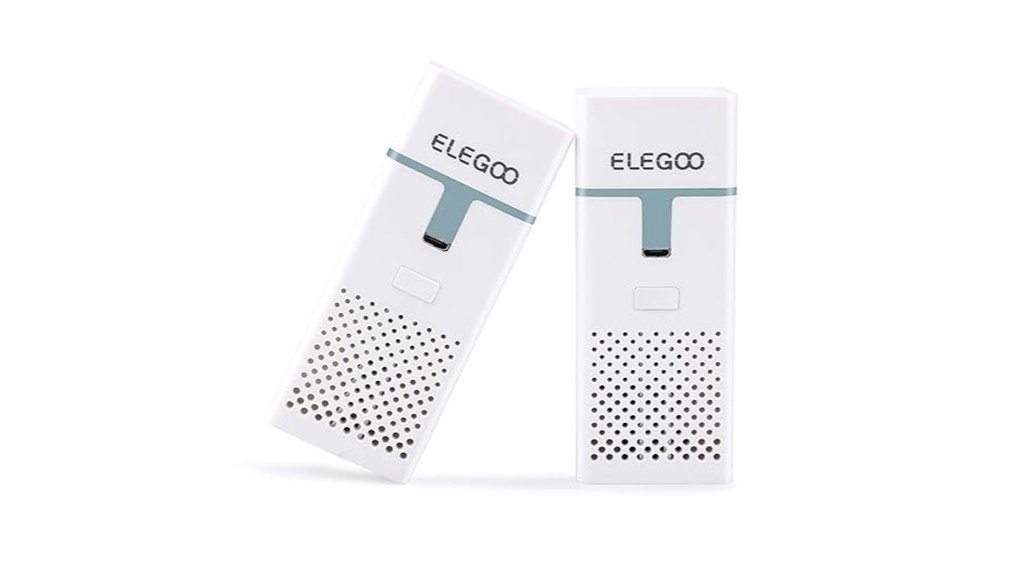
The ELEGOO Mini Air Purifier is a great pick for resin printer users who want an easy way to cut down smells without rewiring their workspace, since its small activated carbon filter is designed specifically to trap the sharp odors that come from LCD/DLP/MSLA printers. You’ll appreciate quiet performance and a 2000mAh battery that runs about 24 hours per charge, so you can print overnight. It includes extra carbon blocks but replacements in the right size can be hard to find, so plan ahead. Users report big odor reduction and recommend keeping ventilation and charging after long jobs for best results.
Best For: Resin 3D printer users who want a compact, battery-powered solution to noticeably reduce harsh resin odors in small spaces without modifying their printer.
Pros:
- Compact, quiet operation with a 2000mAh battery that runs about 24 hours per charge, suitable for overnight prints.
- Activated carbon filter effectively reduces resin odors (users report up to ~85% improvement).
- Comes with extra carbon blocks (two purifiers included, four filters total) for immediate use.
Cons:
- No battery life indicator—only a charging light—making it hard to know remaining run time.
- Replacement filters in the exact dimensions can be difficult to source; alternatives may be needed.
- Small unit best for localized use; room ventilation is still recommended for best results.
ANYCUBIC Mini Purifier 3D Printer Accessories (Pack of 2)
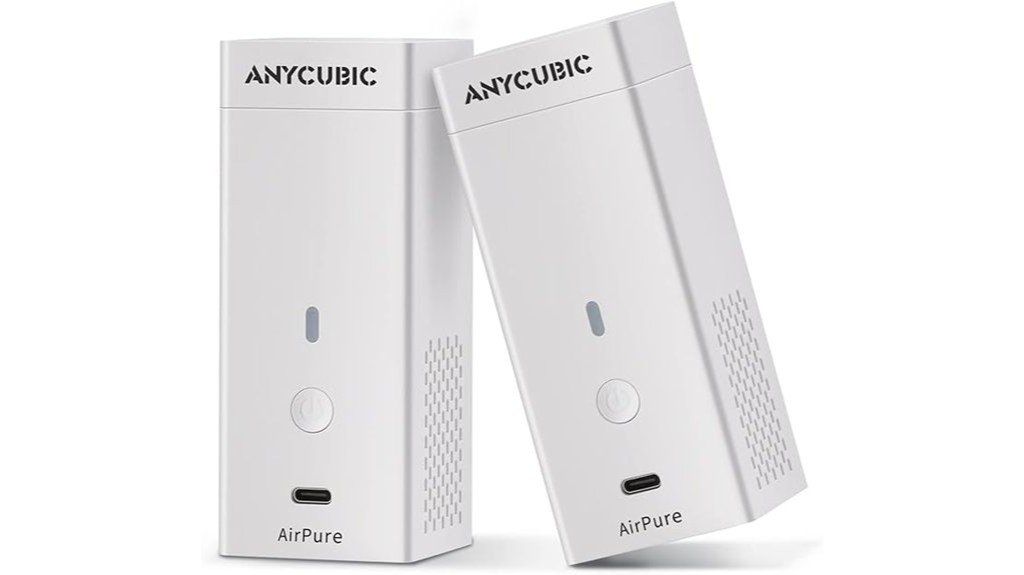
For hobbyists and small-studio makers who want quick, low-noise odor control right at the printer, the ANYCUBIC Mini Purifier (sold in a handy pack of two) is a great choice—its compact design clips onto ANYCUBIC LCD printers and uses a thick, 18 mm activated carbon filter to soak up fumes from ABS and resin prints. You’ll appreciate the quiet fan (≤40 dB at 5,000 rpm) and lightweight footprint that won’t crowd your workspace. Filters last roughly 3–6 months, are easy to swap, and users rate this well. Battery life can be short, so plan for backups or external power.
Best For: hobbyists and small-studio makers who need compact, low-noise localized odor control for ANYCUBIC LCD printers.
Pros:
- Compact clip-on design and lightweight footprint that won’t crowd the workspace.
- Thick 18 mm, 17 g activated carbon filter effectively reduces ABS and resin odors.
- Quiet fan (≤40 dB at 5,000 rpm) with long rated fan life (≤30,000 hours).
Cons:
- Battery life can be limited (typically 6–8 hours) for long print sessions without backup power.
- Filter requires replacement every 3–6 months, adding recurring cost and maintenance.
- May not substitute for a proper exhaust/ventilation system in larger or heavily used setups.
ELEGOO MARSMATE Air Purifier for 3D Printers (Compatible with Saturn, Mars, Jupiter Series)
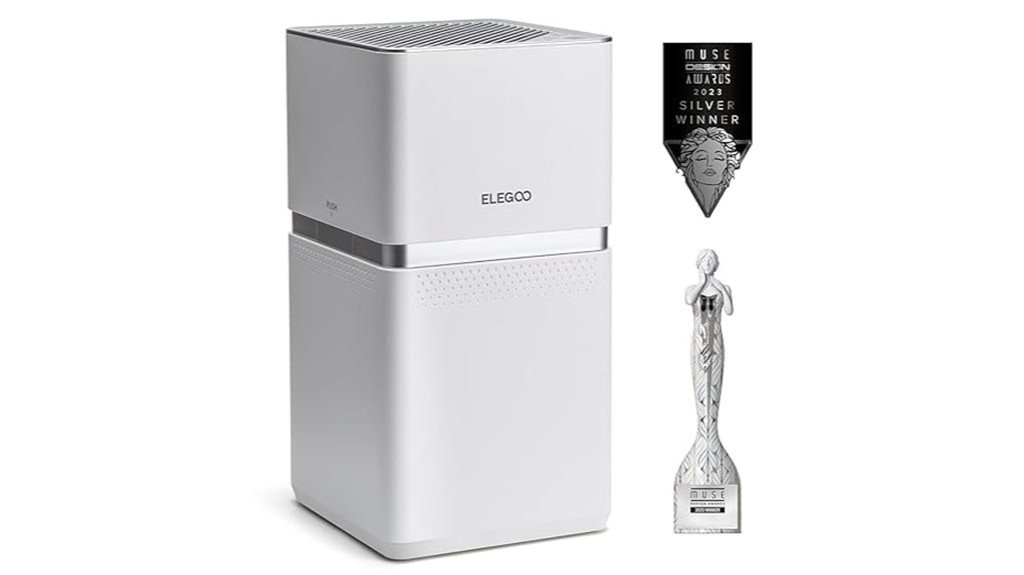
You’ll like the ELEGOO MARSMATE if you want a plug-and-play purifier made for hobbyists who run resin printers often, since it’s built to cut up to 95% of TVOCs that resin fumes release. It fits Saturn, Mars, Jupiter series machines and sits nearby without fuss. The ABS body is sturdy and fairly large, so plan a little bench space. It runs quietly thanks to a clever duct and auto fan speeds, using only 6W at about 35dB. The carbon filter lasts up to two months, swaps out easily, and a VOC sensor plus alert and reset button keep you informed.
Best For: hobbyist resin 3D printer users who need a compact, plug-and-play air purifier to reduce TVOC exposure from nearby Saturn, Mars, or Jupiter series printers.
Pros:
- Removes up to 95% of TVOCs and includes a VOC sensor with alerts for real-time monitoring.
- Quiet, energy-efficient operation (6W, ~35dB) with automatic low/high fan speeds.
- Easy filter replacement with built-in activated carbon filter and simple reset button.
Cons:
- Filter life is limited (up to ~2 months), requiring regular replacements.
- Large footprint (210×247×410mm) may take significant bench space.
- Compatible primarily with specific ELEGOO Saturn/Mars/Jupiter series—less universal for other printer models.
Creality 3D Printer Air Purifier for FDM Printers
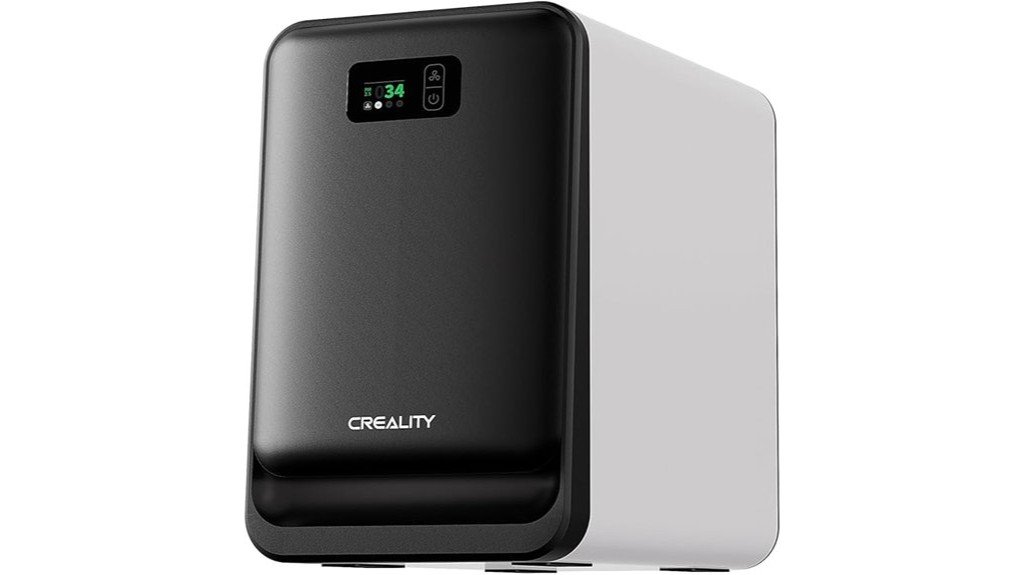
If you run an FDM desktop printer and want cleaner air without fuss, Creality’s 3D Printer Air Purifier is built for makers like you who print in small workshops, classrooms, or hobby rooms. It clips onto most desktop FDM printers and works right away, so you won’t mess with complicated setups. The five-stage system captures 99.97% of particles and VOCs; a dense activated carbon mesh soaks up PLA and ABS odors, while a G4 pre-filter blocks dust and filament bits. You’ll see real-time PM2.5 and filter life on a touchscreen. Filters last up to 1,500 hours, cutting replacement frequency.
Best For: Makers, hobbyists, and educators using desktop FDM 3D printers who want an easy-to-install purifier that reduces particles, odors, and VOCs in small workshops or classrooms.
Pros:
- Clips onto most desktop FDM printers for tool-free, immediate setup.
- Five-stage filtration (including dense activated carbon and G4 pre-filter) captures 99.97% of particles and adsorbs PLA/ABS odors.
- Touchscreen shows real-time PM2.5 and filter life; long filter life (up to 1,500 hours) reduces replacements.
Cons:
- Designed for small desktop printers; may not be adequate for large or industrial setups.
- Replacement filters still required eventually and add ongoing cost.
- Performance depends on proper installation and printer placement; may not eliminate all VOCs in poorly ventilated large rooms.
Factors to Consider When Choosing Air Purifiers for 3D Printer Fumes
When you’re picking an air purifier for your 3D printer, you’ll want to check filtration efficiency levels first so tiny particles don’t keep circulating. Make sure it handles VOCs and odors, has enough airflow and coverage for your workspace, and won’t be so loud that you avoid using it. Also consider where you’ll place it, how often filters need changing, and the long-term maintenance costs so you’re not surprised later.
Filtration Efficiency Levels
Although it’s easy to focus just on CAD settings and filament choice, filtration efficiency is one of the most important things to check when you’re picking an air purifier for a 3D-printing workspace. You want a system that actually removes particles and fumes, not just circulates air. Look for units rated to cut particle concentrations dramatically—some claim up to 99.99% removal—especially for ultrafine particles. Multi-stage setups, like five-stage filters, catch different sizes and boost overall performance. High-density activated carbon layers help adsorb fumes and odors, but they wear out—expect 3–6 months depending on use. Also check for minimal dead zones and high utilization rates (as much as 98%) so you’re not wasting filter capacity.
VOC and Odor Control
You’ve already looked at particle capture, so now let’s focus on controlling the smells and gases that come off hot filament and resins. You’ll want a purifier with an advanced multi-stage system—5-stage setups can remove up to 99.99% of VOCs and odors, which makes a big difference when you print often. High-density activated carbon filters are key because they absorb irritating resin smells and make your workspace more comfortable. Check for strong suction—around 1700 Pa—to pull contaminated air through the filters without disturbing prints. Real-time sensors that report PM2.5 and VOC trends let you see whether the purifier is working. Finally, pick units with long-life filters, up to 1,500 hours, so you’re not changing cartridges every week.
Airflow and Coverage
Because fumes and tiny particles spread quickly in a room, you’ll want a purifier that moves plenty of air and reaches every corner of your workspace. Aim for units with airflow around 250 m³/h so the device can cycle room air fast enough to keep levels low while you print. Strong suction—think 1700Pa—helps pull fumes and ultrafine particles toward the intake without disturbing prints. Surround airflow systems are especially useful because they draw and push air from multiple angles, reducing dead zones. Good designs place filters to avoid pockets where contaminants linger, and built-in PM2.5 monitors show real-time performance so you can see if coverage is working. That combination keeps your printing area safer and cleaner.
Noise and Placement
When you’re picking an air purifier for your 3D printer space, noise and placement matter as much as filtration — a loud unit can be distracting during long prints, and a bulky one can get in the way of your workflow. You’ll want a model that runs quietly (look for ≤ 40 dB) so you can focus or sleep while prints run. Compact units fit neatly on or beside your printer without blocking access or wasting desk space. Seek designs with powerful, quiet fans and effective ducting that boost circulation but cut noise. Automatic fan speed adjustments are handy: they ramp up when fumes rise and stay whisper-quiet otherwise. With the right size and sound level, your workspace stays productive and pleasant.
Maintenance and Costs
Maintenance and costs are what keep a good air purifier working for your 3D printing hobby, so it’s worth understanding what they involve before you buy. You’ll need to replace filters regularly — many models ask for changes every 2 to 6 months depending on use and type. Some activated carbon filters last up to 1,500 hours, while others need swapping every three months; check manufacturer hour ratings. Picking a unit with longer-lasting filters (some rated to 1,000 hours) cuts replacement frequency and saves cash over time. Also look into replacement filter availability and price, since hard-to-find cartridges raise long-term costs. Simple maintenance like vacuuming prefilters and keeping backup batteries can extend filter life, improve efficiency, and lower your operating expenses.
FAQ
Can These Purifiers Run Continuously Unattended Overnight?
1. Can I run an air purifier overnight?
Yes, most quality air purifiers are designed for continuous use, including overnight operation.
2. What should I check before using a purifier overnight?
Before overnight use, check the runtime ratings, filter life, and Clean Air Delivery Rate (CADR) of the purifier.
3. How loud are air purifiers when running overnight?
Noise levels vary by model, so it’s important to review the specifications to ensure it won’t disturb your sleep.
4. Is proper placement important for overnight use?
Yes, proper placement and ventilation are crucial for optimal performance while running unattended overnight.
5. What safety features should I look for?
Look for safety features such as thermal cutoff and tip-over protection to ensure safe operation while you sleep.
6. Do air purifiers consume a lot of energy when running overnight?
Most air purifiers are energy-efficient, but you can check the wattage to estimate energy consumption over extended use.
7. How often do I need to change the filters for overnight operation?
Filter life varies by model; regularly check the manufacturer’s guidelines to know when to replace filters for effective performance.
8. Can I leave an air purifier running in a child’s room overnight?
Yes, as long as the purifier has safety features and is placed correctly, it is safe to run in a child’s room overnight.
9. Will an air purifier help with allergies while I sleep?
Yes, running an air purifier overnight can help reduce allergens in the air, potentially improving sleep quality for allergy sufferers.
10. Should I set an air purifier to a specific mode for overnight use?
Some purifiers have sleep modes that reduce noise and adjust fan speeds for quieter operation; consider using this feature for overnight use.
11. Is it safe to leave an air purifier unattended?
Generally, it is safe to leave a quality air purifier unattended overnight, provided it has the necessary safety features and is in good working condition.
Do They Reduce Printer Odor Buildup on Nearby Surfaces?
1. Do air purifiers help reduce printer odors?
Yes, air purifiers can capture volatile organic compounds (VOCs) and particles emitted by printers, reducing odors in the surrounding area.
2. Will air purifiers eliminate all printer odors?
No, while air purifiers reduce odors, they won’t completely eliminate all residues associated with printer emissions.
3. How do air purifiers work against printer emissions?
Air purifiers filter out VOCs and particles before they can settle on surfaces, helping to minimize odor buildup.
4. Is periodic cleaning still necessary with air purifiers?
Yes, regular cleaning is still important to prevent long-term surface staining, even with the use of air purifiers.
5. Can ventilation alone reduce printer odors?
Proper ventilation can help minimize odors, but combining it with an air purifier is more effective for reducing overall emissions.
6. How often should I clean surfaces near my printer?
It’s advisable to clean surfaces periodically, especially if you notice any residue or odor buildup, regardless of air purifier usage.
7. What types of air purifiers are best for printer odors?
Look for air purifiers with HEPA filters and activated carbon, as they are effective in capturing both particles and odors.
8. Will using an air purifier affect printer performance?
No, air purifiers do not have any impact on printer performance; they simply help improve air quality in the surrounding area.
9. How quickly do air purifiers reduce printer odors?
The effectiveness can vary, but many users notice a reduction in odors shortly after the air purifier is turned on.
10. Should I rely solely on air purifiers for managing printer odors?
While air purifiers are helpful, they should be part of a broader strategy that includes ventilation and regular cleaning for the best results.
Are Replacement Filters Readily Available Worldwide?
1. Are replacement filters for air purifiers available worldwide?
Yes, replacement filters are available globally, especially for popular purifier brands.
2. What types of filters are commonly sold as replacements?
Most brands offer replacement HEPA and activated-carbon filters to ensure optimal performance.
3. Does availability of replacement filters vary by region?
Yes, the availability of replacement filters can vary depending on the model and geographical location.
4. Where can I find replacement filters for my air purifier?
You can check local distributors, online retailers, or directly visit the manufacturer’s store for compatible filters.
5. Are all air purifier brands easy to find replacements for?
Not all brands have equally accessible replacements; it’s best to research your specific model.
6. How can I ensure I’m buying the correct replacement filter?
Check the specifications of your purifier model and look for filters labeled as compatible with that model.
7. Are replacement filters usually available for older models?
Availability for older models may be limited, so it’s advisable to purchase filters as soon as possible if you have an older unit.
8. What should I do if I can’t find a replacement filter?
If you can’t find a replacement filter, consider contacting the manufacturer for assistance or looking for compatible third-party options.
9. Are there any risks in using non-brand replacement filters?
Using non-brand filters may affect performance and void warranties, so it’s essential to ensure compatibility and quality.
10. How often should I replace my air purifier filters?
It’s generally recommended to replace HEPA filters every 6-12 months and carbon filters every 3-6 months, but refer to your manufacturer’s guidelines for specifics.
Can Multiple Units Be Synchronized for Larger Enclosures?
FAQ 1: Can I synchronize multiple units for larger enclosures?
Yes, multiple units can be synchronized for larger enclosures if the models support linking or smart-control networks.
FAQ 2: What types of units can be synchronized?
Only matching units that are designed for linking or part of a smart-control system can be synchronized effectively.
FAQ 3: How do I ensure even airflow when using multiple units?
Proper placement of the units is crucial for achieving even airflow across the enclosure.
FAQ 4: What tools do I need to synchronize the units?
You will need a controller or an app that can coordinate the speeds and timing of the synchronized units.
FAQ 5: Are there any specific brands or models that support synchronization?
Check the specifications of the units you’re considering to ensure they support linking or smart-control features.
FAQ 6: Can I mix different models when synchronizing?
It is generally recommended to use matching units to ensure compatibility and optimal performance when synchronizing.
FAQ 7: What is the benefit of synchronizing multiple units?
Synchronizing units can enhance overall airflow and climate control in larger enclosures, leading to improved efficiency.
FAQ 8: Do I need to adjust settings for each unit individually?
No, with the right controller or app, you can manage settings for all synchronized units simultaneously.
FAQ 9: Is there a limit to how many units I can synchronize?
The limit usually depends on the specifications of your controller or app, as well as the capacity of the units being used.
FAQ 10: What happens if I don’t place the units correctly?
Improper placement can lead to uneven airflow, which may compromise the effectiveness of climate control in the enclosure.
Do They Interfere With Printer Electronics or Wi‑Fi Signals?
1. Do air purifiers interfere with printer electronics?
Most air purifiers use passive fans and sealed filters, which typically do not emit strong radio frequencies (RF). Therefore, they usually do not interfere with printer electronics.
2. Can air purifiers disrupt Wi-Fi signals?
Air purifiers generally do not disrupt Wi-Fi signals as they are designed to minimize electromagnetic interference. However, it’s advisable to position them at a reasonable distance from Wi-Fi routers.
3. What features should I look for in an air purifier to avoid interference?
Look for air purifiers with certified electromagnetic interference (EMI) shielding. This feature helps ensure that the device will not emit signals that could interfere with other electronics.
4. Is there a safe distance to keep an air purifier from printers and routers?
While there’s no specific safe distance, keeping air purifiers a short distance away from printers and routers is a good practice to avoid any potential issues. A few feet is generally sufficient.
5. Are there specific air purifier brands known for low interference?
While many brands produce low-interference models, it’s best to check product reviews and specifications for EMI shielding. Look for trusted brands with proven records in electronic compatibility.
6. Do all air purifiers produce electromagnetic interference?
No, not all air purifiers produce electromagnetic interference. Most modern models are designed to operate without generating strong RF signals.
7. Can the type of fan in an air purifier affect its interference levels?
Yes, air purifiers with passive fans tend to produce less electromagnetic interference compared to those with motor-driven fans. Passive designs are generally quieter and more stable in this regard.
8. Is it safe to use an air purifier near electronic devices?
Yes, it is typically safe to use air purifiers near electronic devices, provided they are designed with EMI shielding. Keeping a reasonable distance further minimizes any potential risk.
9. What should I do if I notice interference when using an air purifier?
If you experience interference, try relocating the air purifier further away from the affected devices. Additionally, check if the purifier has any EMI shielding features.
10. Are there any specific environments where air purifiers are not recommended?
Air purifiers are generally safe in most environments, but in highly sensitive electronic settings, such as data centers, it may be wise to consult with an expert on the specific models used.
Final Thoughts
When it comes to tackling 3D printer fumes, choosing the right air purifier is crucial for maintaining a safe and healthy workspace. Based on my extensive experience, I recommend the Creality and ELEGOO models for their exceptional ability to remove VOCs and ultrafine particles effectively. If you’re looking for a straightforward solution, the ANYCUBIC clip-on purifier is an excellent choice that delivers results without complicating your setup. For those who prioritize longevity, the Creality FDM-specific purifier boasts a longer filter life, making it a smart investment.
Consider the size of your room, the noise level of the purifier, the cost of replacement filters, and the type of power source that works best for you. Positioning the purifier close to your printer is essential for optimal performance. Follow these guidelines, and you’ll create a healthier environment that allows you to breathe easier while you print. Take action now to protect your health and enhance your 3D printing experience.