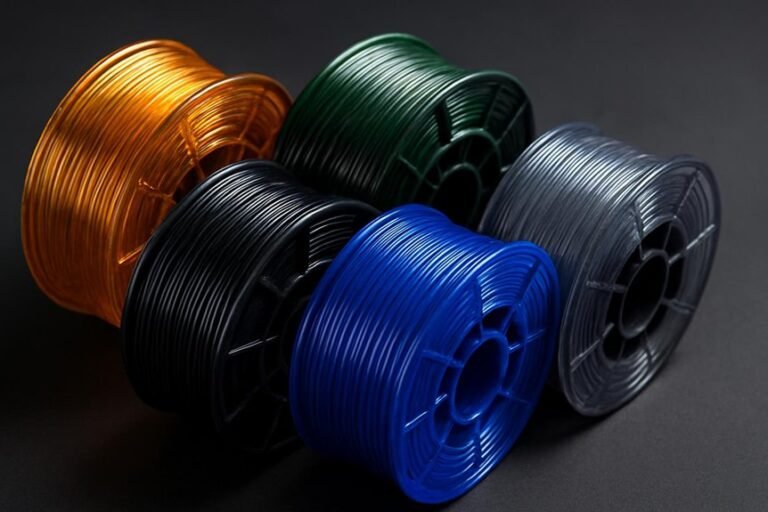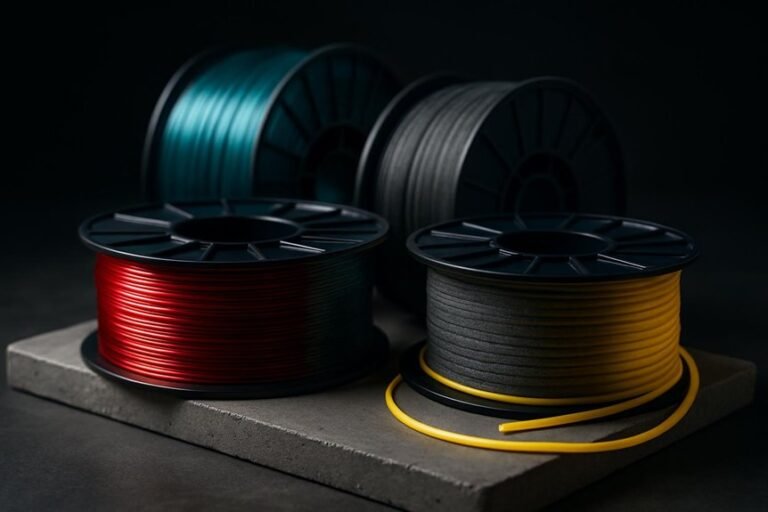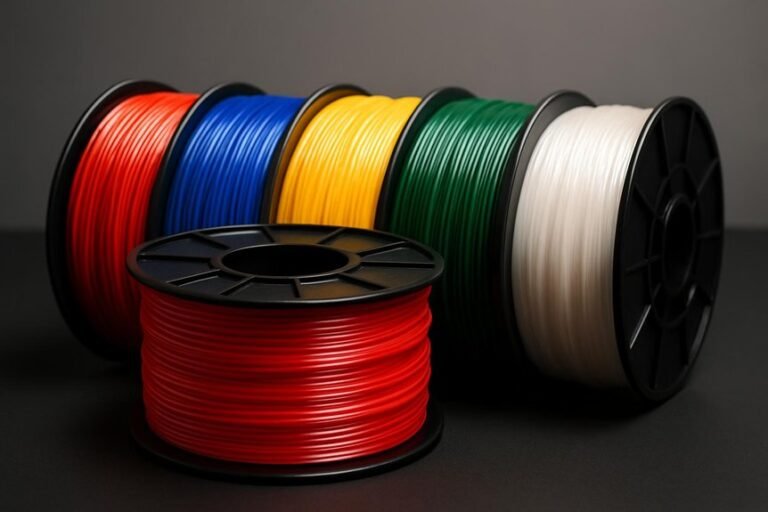
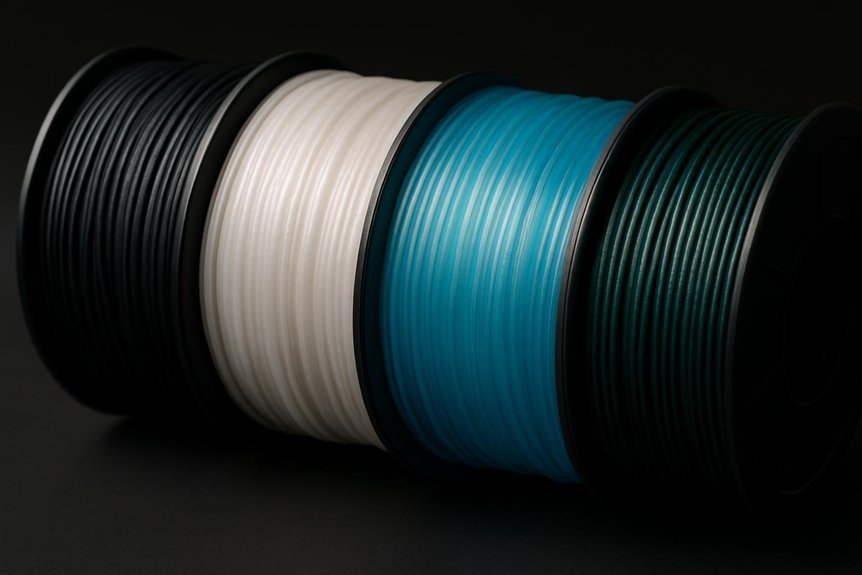
If you want reliable, low-warp prints without constant bed fuss, these four filaments are worth your attention. You’ll learn about OVERTURE ABS for toughness and easy adhesion, Creality’s Carbon Fiber for rigid, low-shrink parts, Polymaker ASA for outdoor UV resistance, and SUNLU Easy PA Nylon for impact resistance with reduced warping. I’ll explain key settings and trade-offs so you can pick the best match for your projects — and avoid that frustrating first-layer lift.
OVERTURE ABS 1.75mm 3D Printer Filament, 1kg (Black)
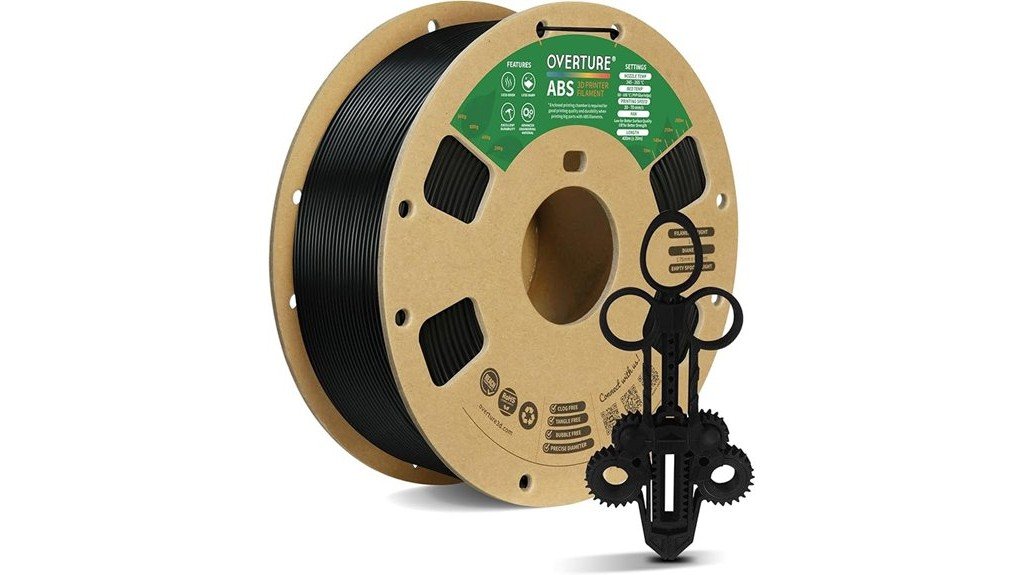
If you need a tough, heat-resistant filament that still prints with minimal warping, OVERTURE’s ABS 1.75mm is a solid choice for hobbyists and small-shop makers alike. You’ll get a 1kg spool of black ABS that’s glossy, strong, and made to tight tolerances (±0.02mm), so feeding stays reliable. It bonds well to the bed and layers, prints faster than you might expect, and gives a clean, professional finish. Watch for odor and remove supports carefully since adhesion’s strong. Store unopened spools up to a year, and consider an all-metal hotend for best results and less frustration.
Best For: Hobbyists and small-shop makers who need a durable, heat-resistant ABS filament that prints with minimal warping and a glossy finish.
Pros:
- High strength and heat resistance with tight dimensional tolerance (±0.02mm) for reliable feeding and consistent prints.
- Excellent bed and layer adhesion, minimal stringing, and a clean, professional glossy finish.
- User-friendly spool features (viewing hole, length/weight gauge, larger inner diameter) and generally easy printing even at faster speeds.
Cons:
- Noticeable odor during printing; recommended to use in well-ventilated areas.
- Supports can be difficult to remove due to strong adhesion, and slight warping may occur on elongated parts.
- Performs best with an all-metal hotend and requires proper storage/drying to avoid moisture-related issues.
Creality Carbon Fiber 1.75mm 3D Printer Filament (1kg Spool)
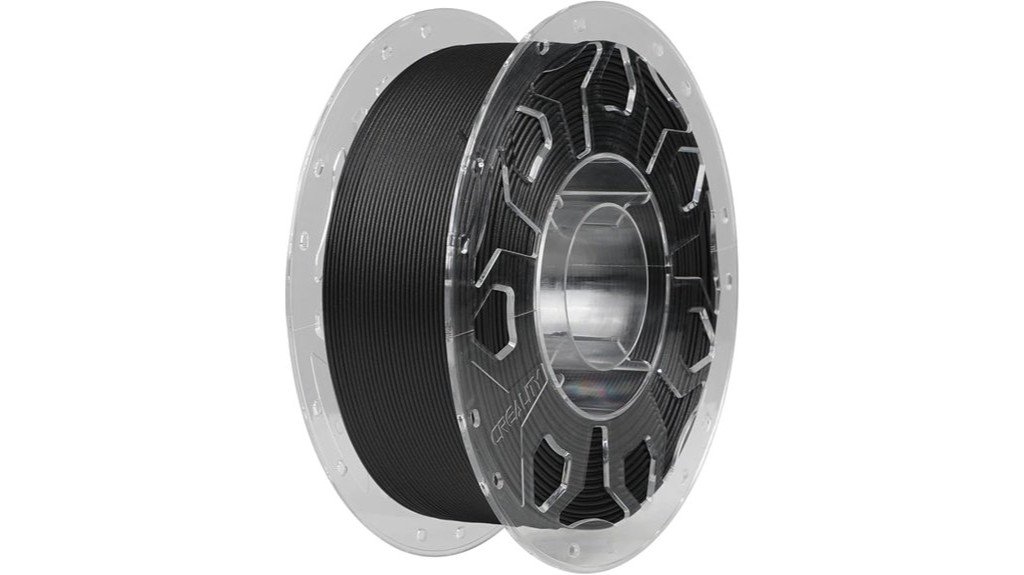
Creality’s Carbon Fiber 1.75mm filament is a great pick for makers who want stronger, low-warp prints without wrestling with difficult materials, especially if you run a Creality K1C, K1 Max, Ender, or MK3-style machine. You’ll like its low shrinkage that cuts warping and blistering, so detailed parts come out cleaner. The filament feeds smoothly thanks to its firmness and uniform diameter, and its pure color helps with artistic pieces. It’s odorless, non-toxic, and resists weather and chemicals, so prints last. Creality backs it with a 12-month warranty and 24-hour support; store it dry and cool.
Best For: Makers and hobbyists using Creality K1C/K1 Max, Ender, MK3 or similar FDM printers who want stronger, low-warp prints with easy feeding and minimal odor.
Pros:
- Low shrinkage and reduced warping/blistering for cleaner, detailed prints.
- Stiff, uniform-diameter filament that feeds smoothly and resists clogging.
- Odorless, non-toxic, weather- and chemical-resistant material with 12-month warranty and 24-hour support.
Cons:
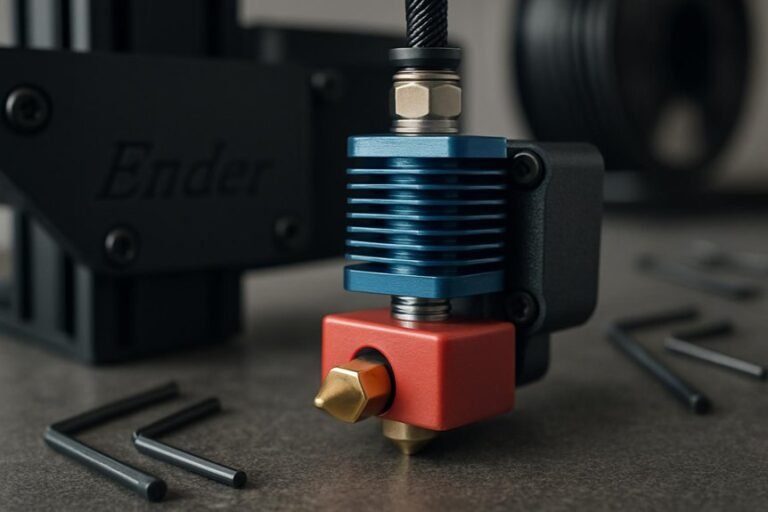
- Carbon fiber-filled filaments can be abrasive to standard brass nozzles, requiring hardened nozzles for long-term use.
- Higher stiffness may make very fine flexible or intricate prints more difficult.
- Requires proper dry, cool storage to maintain print quality (sensitive to humidity).
Polymaker ASA 1.75mm 1kg Black 3D Printing Filament
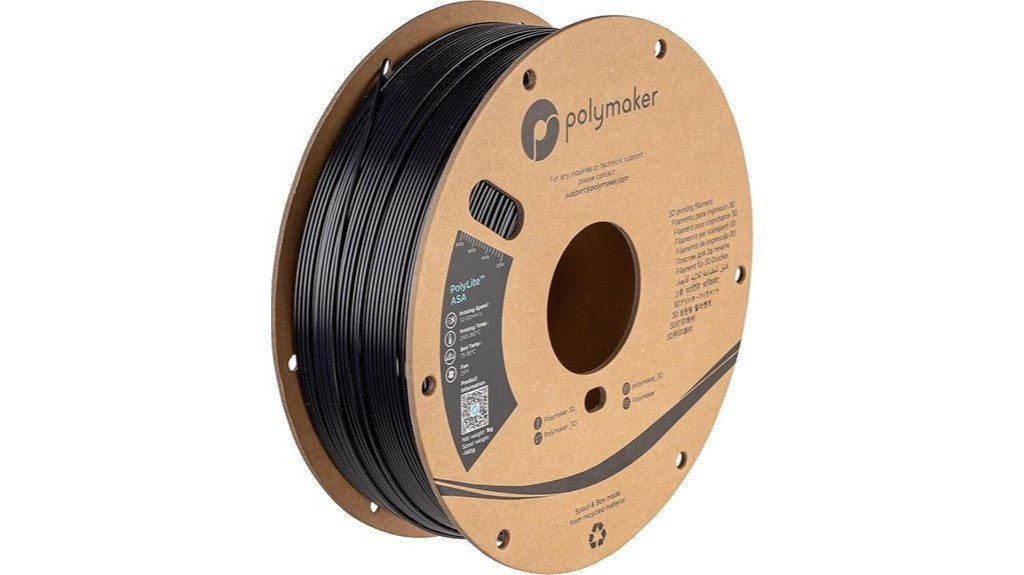
Polymaker’s ASA filament is a solid pick for hobbyists and makers who need strong, weather-resistant parts that won’t fall apart after a weekend outside—think RC plane components, car trim, or garden fixtures. You’ll get ABS-like toughness with extra UV and environmental cracking resistance, so prints last outdoors and stand up to impacts. Print at about 250°C with a 90°C bed and aim near 50 mm/s, using an enclosed printer for larger pieces to cut warping. The spool comes in recycled cardboard packaging, and Polymaker gives lifetime technical support, so you’ve got help if settings need fine-tuning.
Best For: hobbyists and makers who need durable, UV- and weather-resistant outdoor parts like RC plane components, car trim, or garden fixtures.
Pros:
- ABS-like toughness with high impact resistance and UV/environmental stress cracking resistance.
- High heat resistance (up to 100°C) suitable for functional outdoor applications.
- Recycled cardboard packaging and lifetime technical support from Polymaker.
Cons:
- Requires high nozzle (250°C) and bed (90°C) temperatures and an enclosed printer for best results.
- More prone to warping than PLA, requiring careful settings and bed adhesion.
- Slightly slower recommended print speed (around 50 mm/s) compared with some general-purpose filaments.
SUNLU Easy PA Nylon 6+66 1.75mm 1KG 3D Printer Filament (Black)
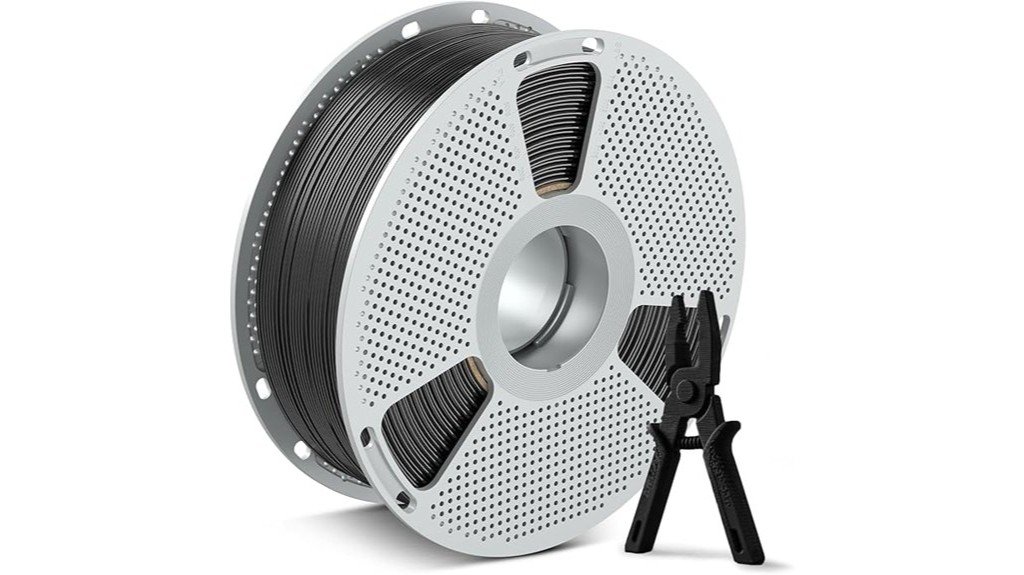
Think of the SUNLU Easy PA Nylon as the go-to filament for makers who need tough, low-warp parts that actually hold up in the real world—you’re getting a Nylon 6+66 blend on a 1.75 mm, 1 kg spool that’s vacuum-sealed to stay dry and ready to print. You’ll appreciate its high tensile and bending strength, carbon-fiber-reinforced layer adhesion, and excellent drop resistance for gears or bearings. It prints with low shrinkage and a 121°C heat deflection temperature, so parts survive hot, demanding use. Anneal prints at 90–130°C to boost toughness, and use a dryer or heated spool for best results.
Best For: makers and engineers needing durable, low-warp functional parts (gears, bearings, drone arms, robotic joints) that withstand mechanical stress and elevated temperatures.
Pros:
- High tensile and bending strength with excellent drop resistance for demanding, load-bearing parts.
- Low shrinkage and carbon-fiber-reinforced layer adhesion reduce warping and delamination.
- 121°C heat deflection temperature and annealability (90–130°C) for improved thermal and mechanical performance.
Cons:
- Nylon typically requires dry storage and drying before printing despite vacuum packaging to avoid moisture issues.
- May need higher nozzle/bed temperatures and enclosure compared with PLA, complicating setup for beginners.
- Carbon-fiber reinforcement can be abrasive to standard nozzles (use hardened nozzle for longevity).
Factors to Consider When Choosing Low Warp Filament Options
When you’re picking a low-warp filament, consider the material’s thermal properties because different plastics expand and contract at different rates and that affects print success. You should also think about bed adhesion methods, whether you need an enclosure, and how to control filament moisture so prints stick well and don’t crack. Finally, remember that print geometry—thin walls, large flat areas, or sharp corners—can make warping worse, so match your filament and setup to the parts you want to print.
Material Thermal Properties
Because thermal behavior determines how a filament shrinks and cools, you’ll want to pay close attention to material thermal properties when choosing low-warp options. You’ll notice low-warp filaments shrink less as they cool, which keeps dimensions accurate and cuts warping risks. Pick materials with high heat resistance — those rated above 100°C hold shape better for functional parts that face heat. Nylon blends like Nylon 6+66 give you real strength for stress-bearing prints while limiting cracks and distortion. Additives such as carbon fiber boost stiffness and layer bonding, which helps prevent warping during printing. Finally, choose filaments formulated for your printing environment; ones made to perform without an enclosure can save you time and frustration by staying stable as they extrude and cool.
Bed Adhesion Methods
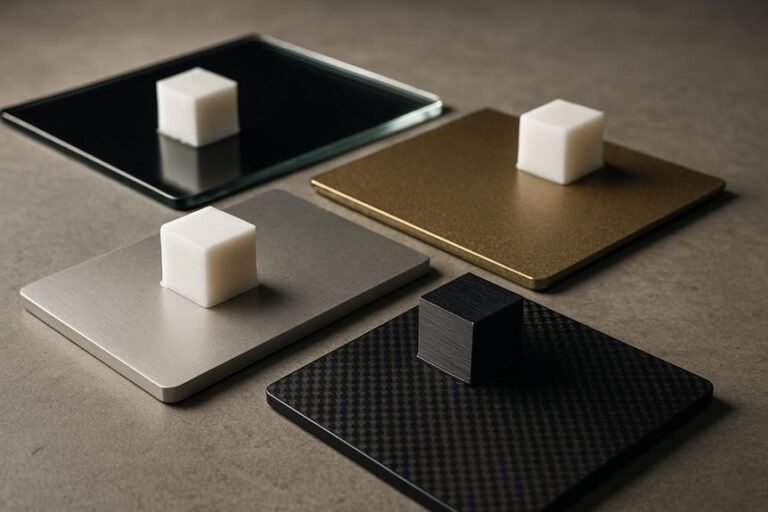
Although bed adhesion might seem like a small detail, it can make or break a print, especially with warping-prone filaments, so you’ll want to give it careful attention. You’ll find heated beds help a lot: ABS and ASA usually prefer 90–110°C to keep that first layer stuck while the part cools. Pick a surface that matches your filament — glass, PEI, or blue painter’s tape each behave differently — and don’t be afraid to test them. A light smear of glue stick or hairspray can rescue large prints that otherwise lift at the corners. Finally, dial in your nozzle height and first-layer settings; too high and the filament won’t stick, too low and you risk clogging. Small adjustments prevent big failures.
Enclosure Necessity
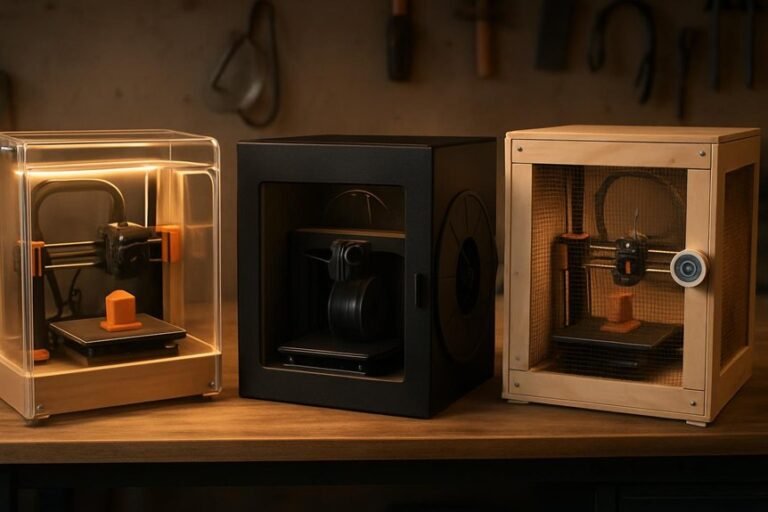
You’ve already seen how getting the first layer right can save you hours of frustration, and an enclosure is often the next step for keeping that success going through the whole print. If you work with ABS, ASA, Nylon, or other high-expansion filaments, an enclosure cuts temperature swings that cause warping and layer separation. You’ll get steadier heat around the part, which improves interlayer adhesion and reduces shrinkage so dimensions stay true. Enclosures also contain odors, making your workspace more pleasant. Think of an enclosure as a simple climate control: it’s not required for PLA, but it’s a big help for heat-sensitive materials and tricky geometries. If you want reliable, repeatable results with low-warp filaments, don’t skip it.
Filament Moisture Control
Moisture control matters more than many hobbyists expect, and getting it right can make the difference between a perfect print and a brittle, bubbled mess. You’ll notice moisture will degrade filament, causing bubbling, inconsistent extrusion, and weak layer bonds if you leave spools exposed. Many materials, like nylon and some composites, are hygroscopic and drink up humidity fast, so stash them in vacuum-sealed bags or moisture-proof containers to stop damage before it starts. Use a filament dryer or toss desiccant packs into storage to keep humidity down; drying spools before printing is a simple habit that prevents warping and shrinkage later. Check filament regularly, dry when needed, and you’ll preserve mechanical properties and get steadier, more reliable prints.
Print Geometry Influence
When you design a part, its shape can make or break how much it will warp as it cools, so it’s worth thinking about geometry before you pick a filament. You’ll notice large flat surfaces cool unevenly and lift more than smaller, intricate shapes, so breaking big faces into ribs or fillets helps. Sharp corners and acute angles concentrate stress and invite warping, so soften edges where you can. Rounded or curved profiles spread heat better and reduce distortion, which I’ve found saves reprints. Adjust layer height and infill density too: finer layers and denser infill distribute heat more evenly and lower warp risk. Finally, add features that boost bed adhesion or let you add removable supports to hold tricky geometries steady while they cool.
Printer Calibration Tips
Now that you’ve thought about part shape and how geometry affects warping, let’s look at the printer itself — small setup choices often make as big a difference as filament selection. Level your bed carefully so the first layer sticks evenly; I once fixed a stubborn warp just by redoing the leveling. Set nozzle temperature to the filament’s recommendation — too hot can soften layers and invite warping, too cool can cause poor bonding. Use a heated bed at the filament’s suggested temp to keep the base warm and stable during cooling. Clean the nozzle regularly to avoid clogs that make uneven extrusion and layer gaps. Finally, try different speeds and layer heights; slower, thicker layers often cut warp on tricky materials.
FAQ
Can I Paint or Dye Low-Warp Filaments After Printing?
1. Can I paint low-warp filaments after printing?
Yes, many low-warp filaments can be painted after printing. It’s important to prepare the surface properly for the best results.
2. What preparation is needed before painting low-warp filaments?
Before painting, you should clean the surface and lightly sand it to improve adhesion. This helps the paint adhere better.
3. Are there specific primers I should use for low-warp filaments?
Yes, using appropriate primers designed for the specific material of your filament is crucial. This ensures better paint adherence and finish.
4. Is dyeing an option for low-warp filaments?
Yes, dyeing is another option for coloring low-warp filaments. However, ensure you use dyes compatible with the filament material.
5. How can I seal the painted or dyed finish?
To seal the finish, you can use a clear coat or sealant suitable for the specific filament. This step enhances durability and protects the color.
6. Will painting or dyeing affect the filament’s properties?
If done correctly, painting or dyeing should not significantly alter the filament’s properties. However, always test on a small piece first.
7. What types of paint work best on low-warp filaments?
Acrylic paints are commonly recommended for low-warp filaments due to their versatility and ease of use. Always check compatibility with your specific filament.
8. Can I use spray paint on low-warp filaments?
Yes, spray paint can be used, but ensure it is compatible with the filament material. Apply in light coats to avoid drips and ensure an even finish.
9. How long should I wait between applying primer and paint?
Follow the instructions on your primer, but typically waiting for it to dry completely before applying paint is essential. This can vary based on the product used.
10. What is the best way to clean low-warp filaments before painting?
Use a mild soap solution and a soft cloth to clean the surface, removing any dust or oils. Rinse thoroughly and let it dry before proceeding.
11. Is there a risk of warping when painting or dyeing low-warp filaments?
When done correctly, the risk of warping is minimal. However, excessive heat during the curing process of paints or dyes should be avoided to maintain the filament’s integrity.
Are These Filaments Food-Safe or FDA Compliant?
1. Are most 3D printing filaments food-safe?
Mostly no. You cannot assume that filaments are food-safe without proper certification from the manufacturer.
2. How can I ensure a filament is FDA compliant?
Look for filaments that specifically state they are made from FDA-approved materials and have manufacturer certification confirming their compliance.
3. What materials are considered FDA-approved for 3D printing?
Common FDA-approved materials include certain types of PLA and PETG. Always verify the specific filament’s compliance with the manufacturer.
4. Why should I avoid porous prints for food items?
Porous prints can trap bacteria, making them unsafe for food contact. Choosing non-porous designs reduces this risk.
5. What post-processing methods can I use for food safety?
You can coat the surface with food-safe sealants or epoxies to create a barrier that prevents bacterial growth.
6. Is it safe to use 3D printed items for food storage?
Only if the filament is certified food-safe and you have taken measures to seal the surface properly to avoid contamination.
7. Can I wash 3D printed food containers?
While you can wash them, ensure that the materials used are resistant to cleaning agents and won’t degrade over time.
8. What type of 3D printing technology is best for food-safe items?
FDM (Fused Deposition Modeling) is commonly used, but ensure you use materials that are certified food-safe.
9. Are there specific filaments I should avoid for food contact?
Yes, avoid filaments that are not explicitly marked as food-safe or those made from materials that may leach harmful substances.
10. How can I verify the safety of a 3D printed item for food use?
Check for manufacturer certifications, use FDA-approved materials, and consider the design and finishing processes to ensure it is safe for food contact.
11. What should I do if I’m unsure about a filament’s safety for food?
If unsure, it’s best to avoid using it for food contact until you can confirm its safety through manufacturer documentation or seek alternative certified materials.
Do Carbon Fiber Filaments Wear Down Printer Nozzles Faster?
1. Do carbon fiber filaments wear down printer nozzles?
Yes, carbon fiber filaments are abrasive and can wear down brass nozzles more quickly than standard filaments.
2. Why do carbon fiber filaments cause nozzle wear?
The abrasive fibers in carbon fiber filaments physically abrade the insides of the nozzles, leading to increased wear over time.
3. What type of nozzles should I use with carbon fiber filaments?
It is recommended to use hardened steel or ruby-tipped nozzles, as these materials are more resistant to abrasion.
4. Can printing temperature affect nozzle wear when using carbon fiber filaments?
Yes, printing at cooler temperatures can help mitigate some of the wear on nozzles when using carbon fiber filaments.
5. How often should I replace nozzles when using carbon fiber filaments?
Nozzles should be replaced periodically, especially if you notice a decline in print quality or increased resistance during extrusion.
6. Is nozzle wear more significant with carbon fiber compared to other materials?
Yes, nozzle wear is generally more pronounced with carbon fiber filaments compared to standard filament materials like PLA or ABS.
7. What are the signs that my nozzle is wearing down?
Signs of a worn nozzle include reduced extrusion, inconsistent filament flow, and visible damage or deformation at the nozzle tip.
8. Can I continue using brass nozzles with carbon fiber filaments?
While you can, it is not advisable for long-term use due to the increased risk of wear and potential printing issues.
9. Are there any special maintenance tips for nozzles used with carbon fiber filaments?
Regularly check and clean your nozzle, and consider inspecting it more frequently when using carbon fiber filaments to catch wear early.
10. Will switching to a different filament reduce nozzle wear?
Yes, using non-abrasive filaments like PLA or PETG will generally result in less wear on your nozzles compared to carbon fiber filaments.
Can I Print Flexible Parts With These Low-Warp Materials?
1. Can I print flexible parts using low-warp materials?
Yes, flexible parts can be printed with low-warp materials such as TPU or specially formulated blends.
2. What type of printer setup is recommended for printing flexible parts?
A direct drive setup or a well-tuned Bowden setup is recommended for optimal results.
3. What print speeds should I use for flexible parts?
It’s advisable to use slow print speeds to ensure better layer adhesion and flexibility in the final print.
4. How can I prevent stringing while printing flexible materials?
Proper retraction settings are essential to minimize stringing during the printing process.
5. Are there specific flexible materials that work better than others?
TPU is a popular choice, but there are also specially formulated flexible blends designed for low warping.
6. What issues might I encounter when printing flexible parts?
Common issues include stringing and poor layer adhesion, especially if print speeds and retraction settings are not optimized.
7. Can I use standard filaments for flexible parts?
No, standard filaments are not suitable for printing flexible parts; specific flexible materials are necessary.
8. Is there a difference between printing flexible and rigid parts?
Yes, flexible parts require different settings and considerations, such as slower speeds and specific retraction settings, compared to rigid parts.
9. What is the benefit of using low-warp materials for flexible parts?
Low-warp materials minimize the risk of warping during printing, leading to more successful prints and better dimensional accuracy.
10. Do I need to adjust my slicer settings for flexible printing?
Yes, adjustments in slicer settings, including print speed and retraction, are crucial for achieving quality flexible prints.
How Do Storage Conditions Affect Filament Lifespan?
1. How does moisture affect filament lifespan?
Moisture absorption can lead to degradation of filament quality, resulting in poor print performance and brittleness. Keeping filaments dry is essential for maintaining their integrity.
2. What storage conditions are ideal for 3D filaments?
Filaments should be stored in a cool, dry place, away from direct sunlight to prevent UV damage. Temperature control helps maintain their physical properties and performance.
3. Why is it important to seal filaments?
Sealing filaments in airtight containers helps prevent moisture exposure and oxidation. This practice significantly extends the shelf life of the material.
4. What role do desiccants play in filament storage?
Desiccants absorb any moisture present in the storage environment, helping to keep filaments dry. Utilizing desiccants in storage containers can greatly enhance filament longevity.
5. Can UV exposure damage 3D printing filaments?
Yes, UV exposure can degrade filament materials, leading to a loss of strength and flexibility. To avoid this, store filaments in opaque containers or in dark environments.
6. How can I tell if my filament has absorbed moisture?
Filament that has absorbed moisture may produce bubbling or popping sounds during printing, and may result in poor layer adhesion or inconsistent extrusion. Conducting a simple dry test can also help identify moisture issues.
7. What types of containers are best for filament storage?
Airtight containers made of materials that block UV light are ideal for filament storage. Vacuum-sealed bags can also be effective in keeping filaments dry.
8. Does the type of filament influence storage needs?
Yes, different filament types, such as PLA, ABS, and Nylon, have varying susceptibilities to moisture and temperature changes. Each type may require specific storage conditions to maximize lifespan.
9. How long can filaments last if stored properly?
When stored under optimal conditions, filaments can last for months to years without significant degradation. Proper storage can greatly extend their usability and performance.
10. What are the signs of degraded filament?
Signs of degraded filament include brittleness, discoloration, and difficulty in printing. If you notice these changes, it may be time to replace the filament to ensure print quality.
11. Is temperature fluctuation a concern for filament storage?
Yes, temperature fluctuations can cause condensation inside storage containers, leading to moisture problems. Maintaining a stable, cool temperature is crucial for preserving filament quality.
Final Thoughts
To achieve flawless prints with minimal warping, it’s crucial to select the right filament tailored to your specific project and printer. OVERTURE ABS is a solid choice, offering durability while keeping warping manageable. If you need added rigidity and minimal shrinkage, Creality’s Carbon Fiber is the way to go. For outdoor applications, Polymaker ASA excels with its resistance to UV rays and the elements. Meanwhile, SUNLU Easy PA Nylon provides exceptional impact resistance and significantly reduces warpage.
Ensure you fine-tune your filament settings, apply the right bed adhesion methods, and utilize an enclosure when necessary. By doing so, you’ll drastically reduce print failures and enjoy a seamless, stress-free printing experience. Trust me, these steps are non-negotiable for anyone serious about 3D printing.